
Practical resources for clearer Business-system decisions.
Explore tools, decision guides, checklists, operating patterns, workbooks and working examples built from practical implementation experience.
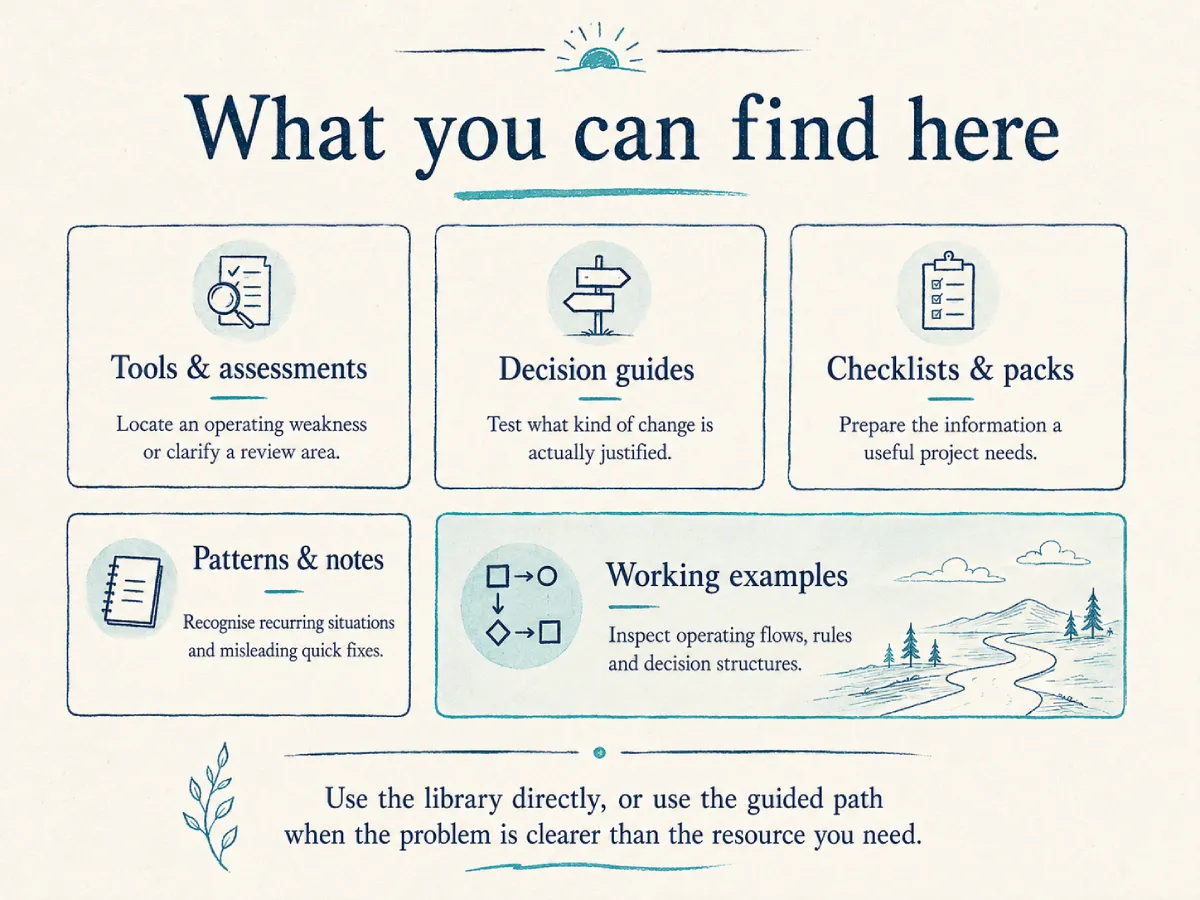
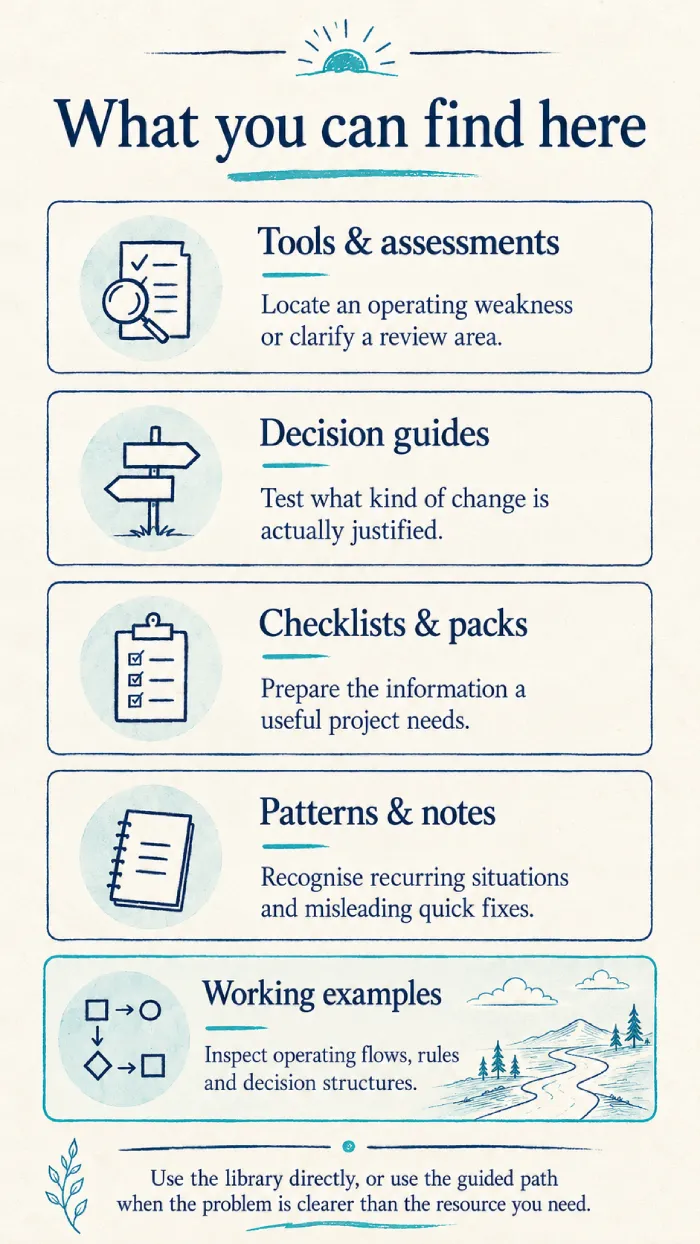
Find resources by what you are trying to do.
When the operating problem is easier to describe than the resource you need, use one of four practical paths.
We begin with what the team experiences.
Before recommending a tool, we look for the operating pattern underneath late updates, repeated follow-up, scattered information, manual handoffs or unreliable reporting.
Operational Visibility Check
A short guided review of work status, ownership, information, follow-up, system handoffs, reporting and client interactions.
Try the guided previewThe first area worth reviewing
- Where manual coordination is carrying too much of the operation
- Where ownership or information is weak
- Which internal question should be clarified before choosing a solution
Recognise the pattern before choosing the technology.
We use a small set of recurring patterns to make the diagnosis practical rather than generic.
Founder-dependent follow-up
One person carries reminders, approvals and priority decisions.
Excel as the operating system
Workbooks carry records, control, history and reporting.
Status meetings replace visibility
Meetings collect updates instead of using shared information to make decisions.
One employee bridges applications
A person repeatedly moves information between otherwise suitable systems.
Short judgement from repeated implementation situations.
These notes show why the obvious technical fix can be premature.
Why dashboards fail before they go live
The management question, workflow stages or definitions are often unclear before the reporting work begins.
We do not use a dashboard to hide an unclear operating model.Why automation begins with exceptions
The successful path may be easy. The real operational risk sits in missing information, rejection and recovery.
A process is not automated merely because its normal path works.Why integration does not begin with the API
Source ownership, triggers, duplicates and failure handling must be clear before the technical connection.
The API is the middle of the decision—not the beginning.We separate the operating decision from the product decision.
A weak handoff, an unclear process and a genuine capability gap need different responses. We first decide what type of change is justified.
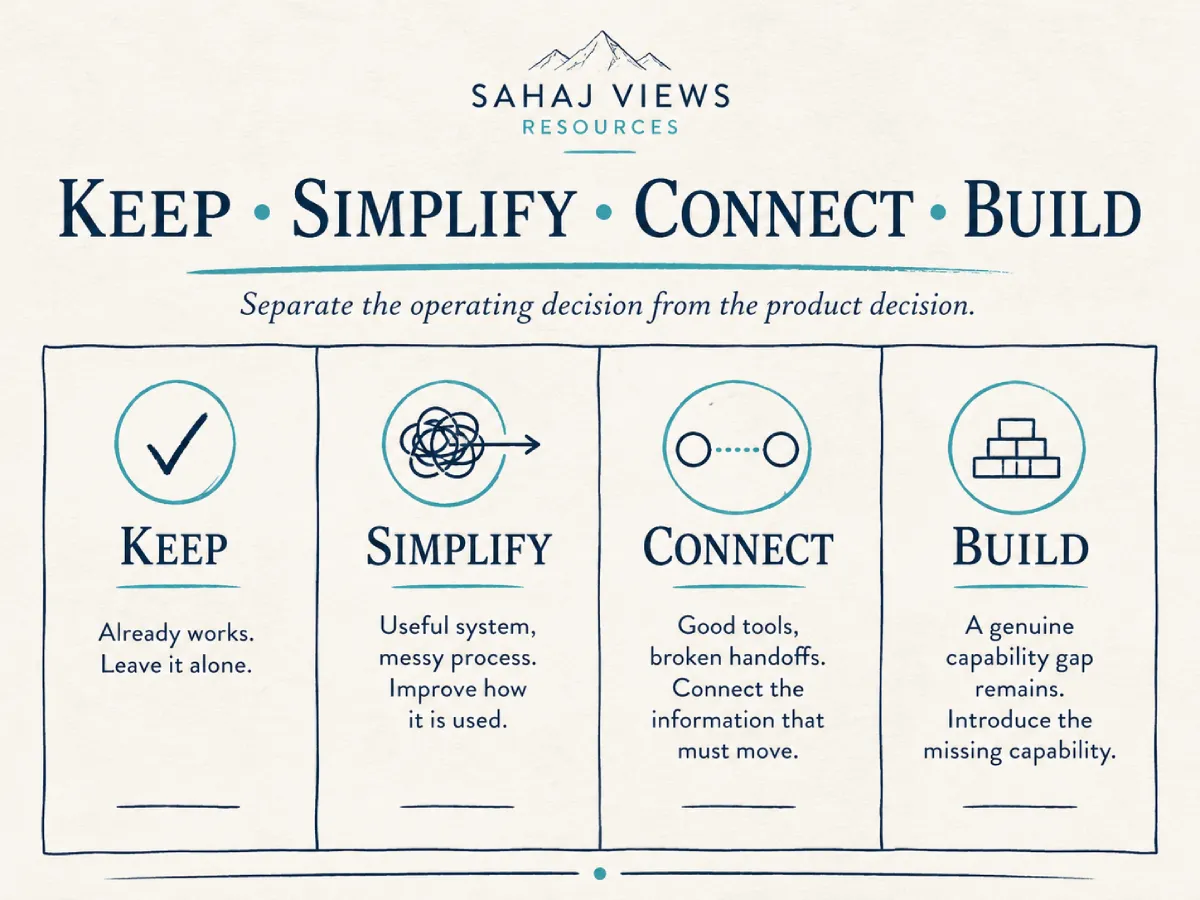
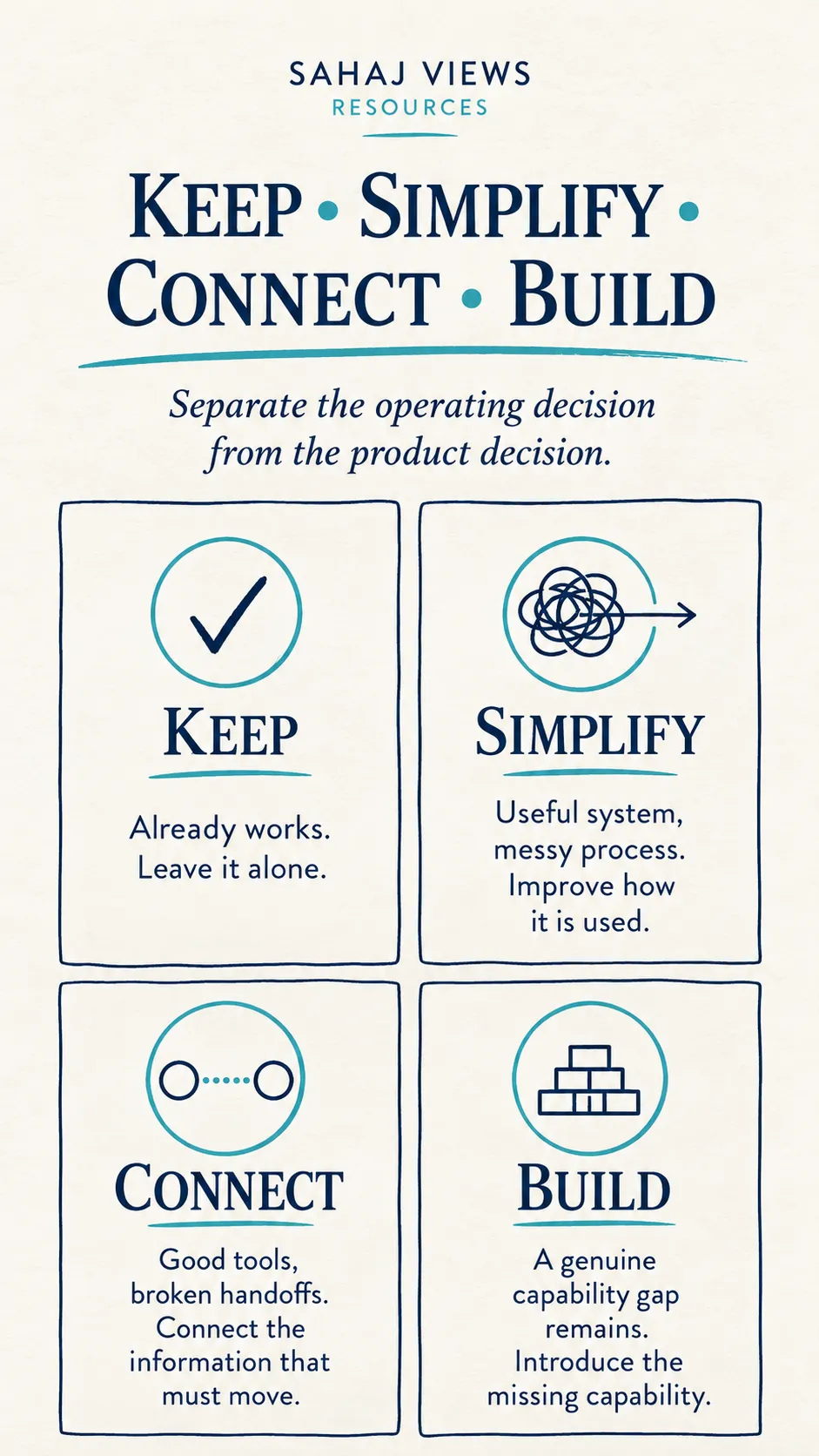
The decision is driven by the operation—not by a preferred tool.
Keep, Simplify, Connect or Build?
Use four questions to test whether the current environment should remain, become simpler, be connected or genuinely needs something new.
Use the decision previewLess tool-first thinking
- One broken area does not automatically justify replacing the platform
- Manual effort does not automatically mean automation readiness
- Custom software is considered only after lower-ownership options
Questions that materially change the recommendation.
Open only the decision that is relevant now.
Should this process be automated?
We assess stability, ownership, repeatability, exceptions and failure handling before automating.
Do we need a dashboard?
We check whether the issue is visibility or whether source data and definitions are still unreliable.
Should the current system be replaced?
We separate platform limitations from setup, adoption, process and connection problems.
Is custom software justified?
We compare native capability, extension, connection and custom ownership before recommending a new build.
Sometimes the most useful recommendation is what not to build.
These boundaries protect the operation from unnecessary complexity.
We organise the operating information before the project discussion.
A stronger proposal begins with the real workflow, responsible people, source information, exceptions and the outcome the business needs to improve.
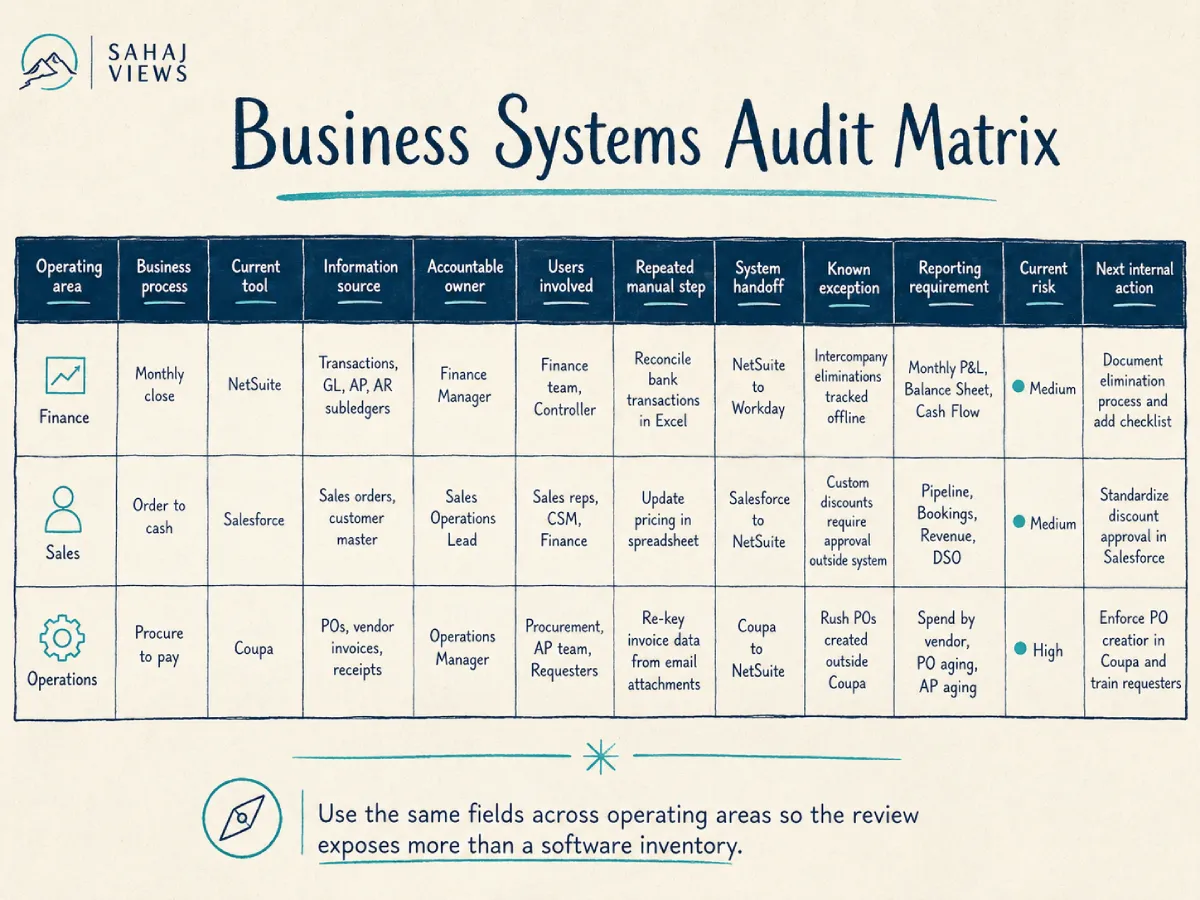
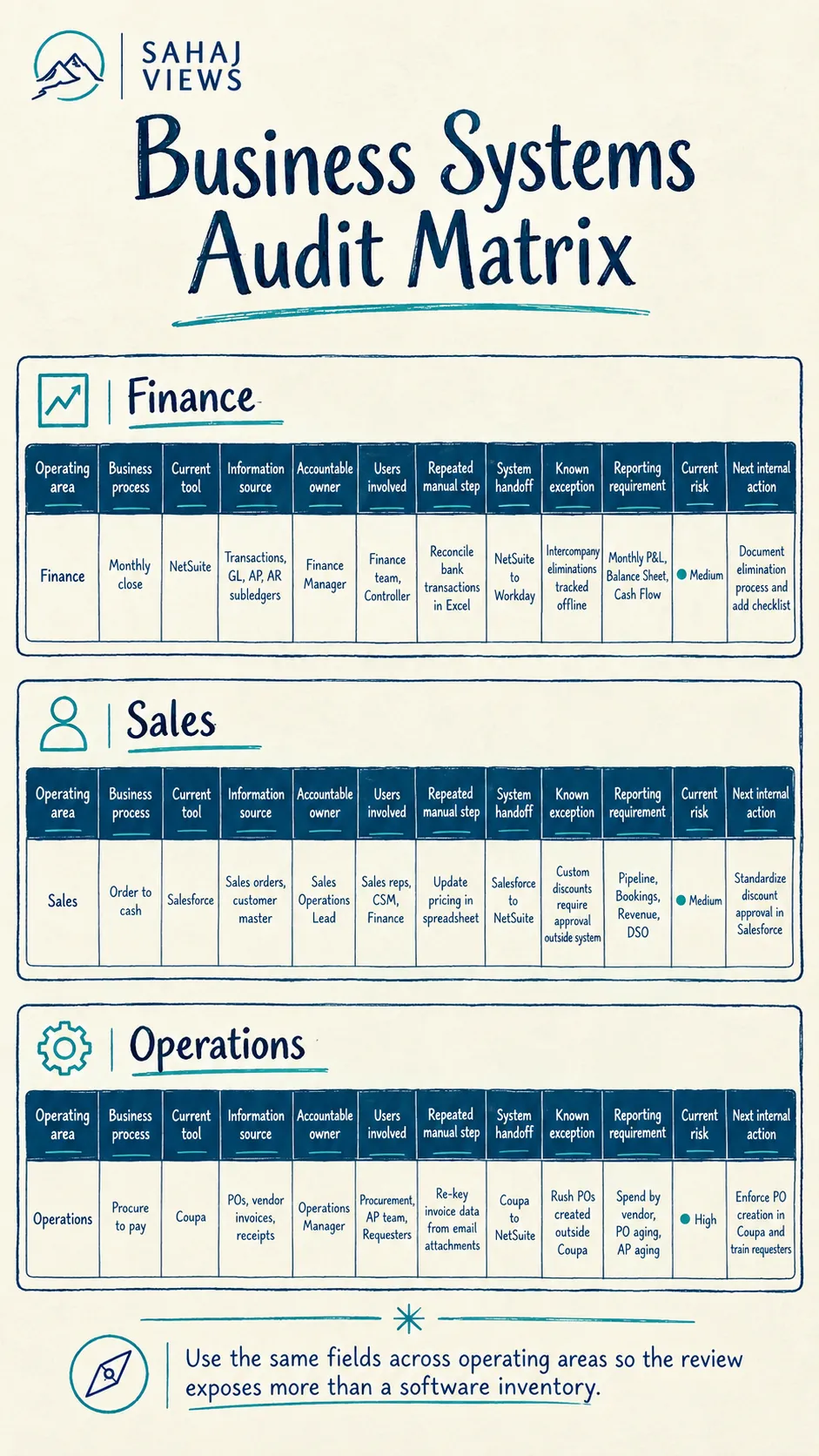
Business Systems Audit Matrix
Map the systems, information, owners, manual steps, handoffs and risks across important operating areas.
View the workbook structureA more useful starting brief
- A structured map of the current environment
- Visible duplicated effort and human handoffs
- A prioritised list of areas worth reviewing
Prepare only the information the decision needs.
Each pack is intentionally small and focused on one type of change.
Before automating a workflow
Prepare the complete operating path—not only the successful steps.
Before requesting a dashboard
Clarify the decisions, definitions and actions the view must support.
Before connecting two systems
Define ownership, record identity, movement and recovery before discussing the API.
Before replacing a core platform
Separate genuine platform limitations from process, setup, data and adoption problems.
We show the structure and judgement behind working systems.
These artefacts are not product screenshots. They expose the operating question, the handoffs, the ownership model and the decisions that shape the system.
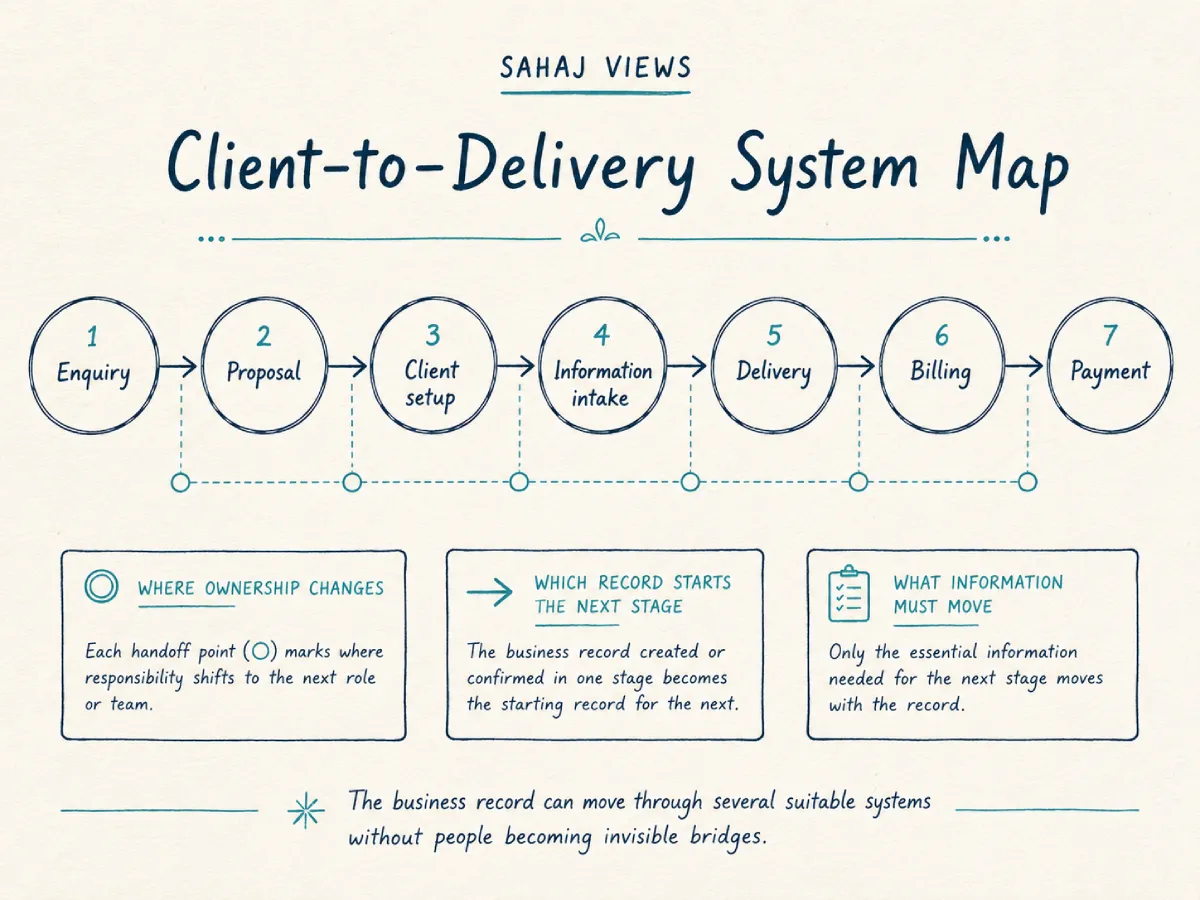
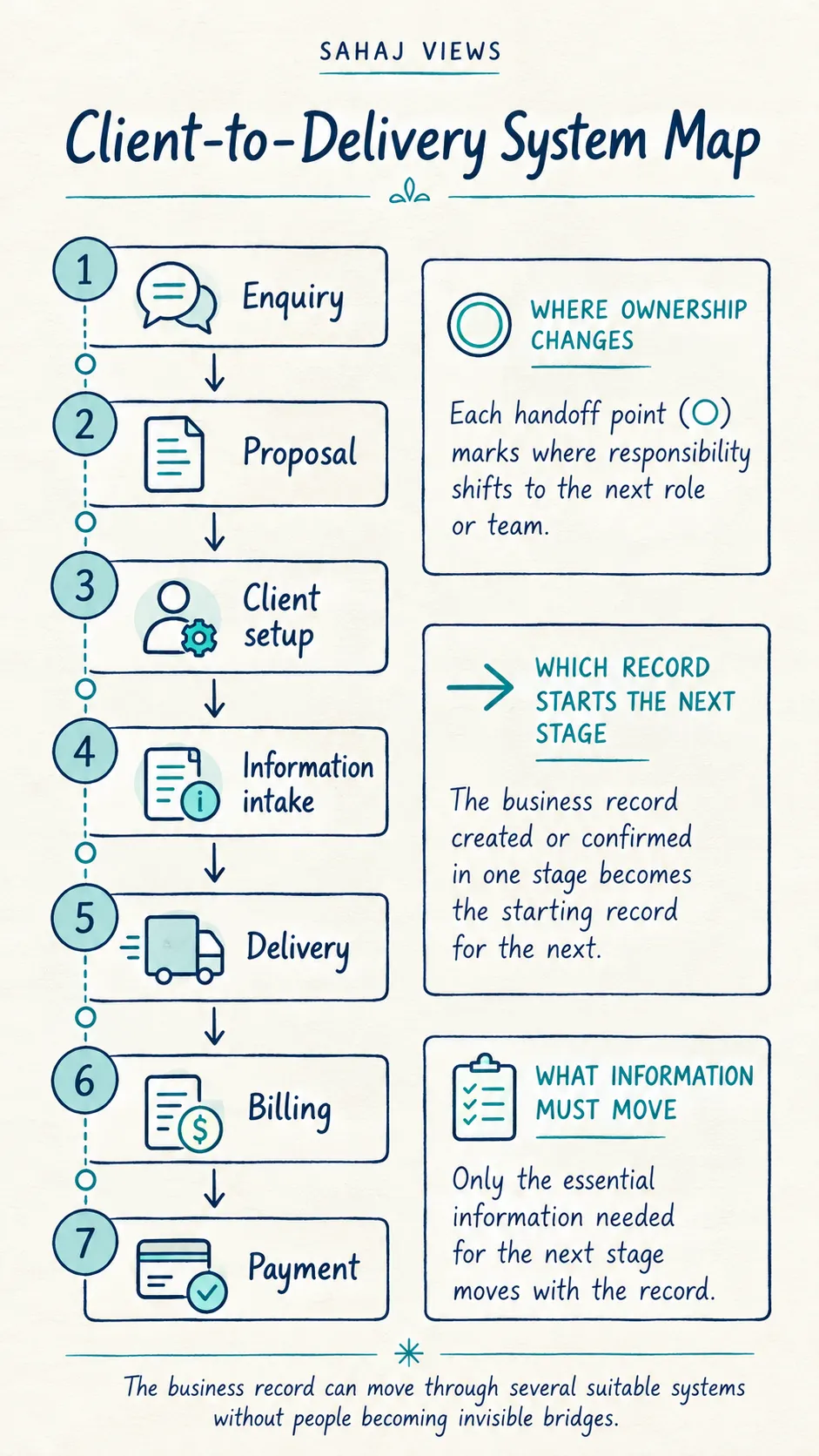
Client-to-Delivery System Map
We follow the business record from first enquiry through delivery and payment without assuming that one application must perform every role.
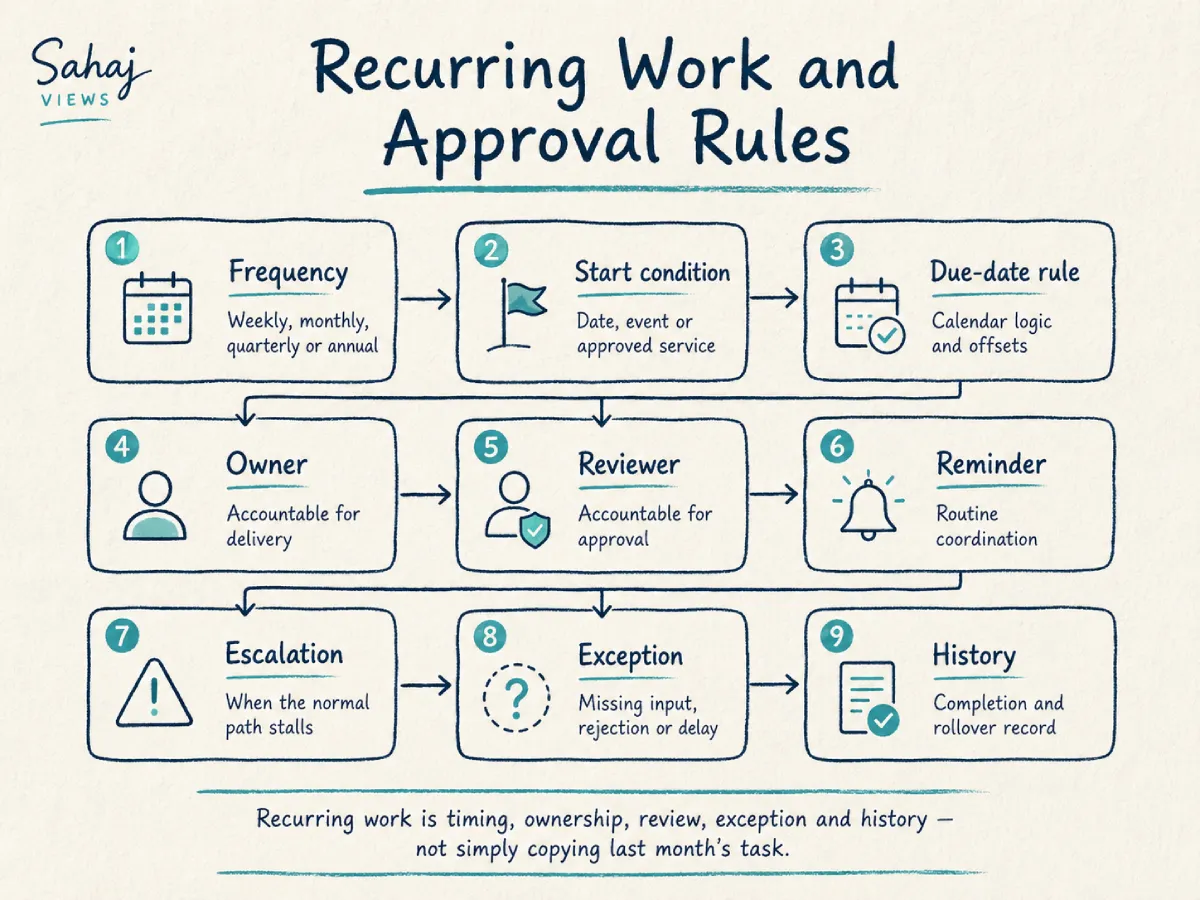
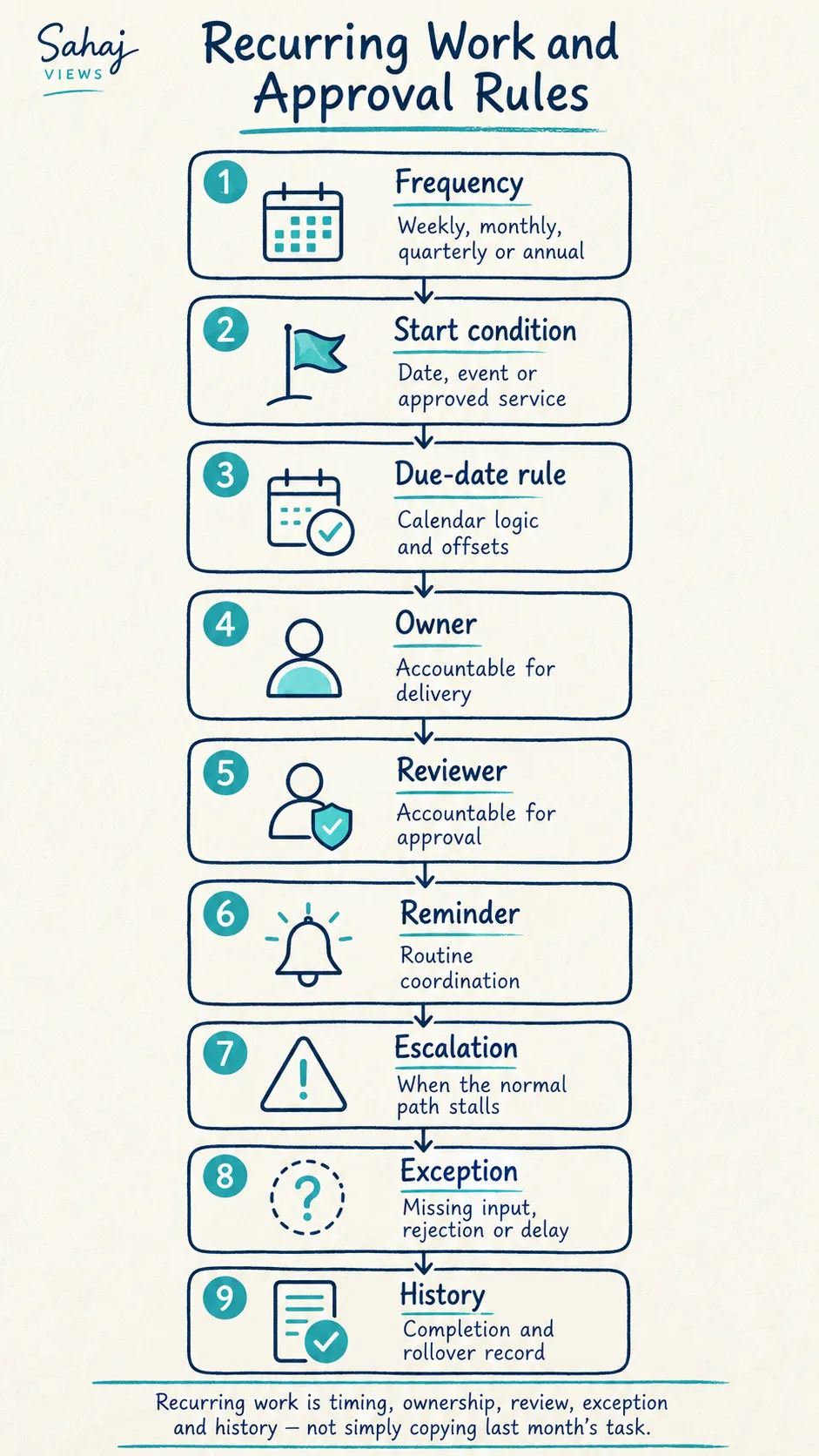
Recurring Work and Approval Rules
We treat recurring work as timing, ownership, review, exception and history—not simply copying last month’s task.
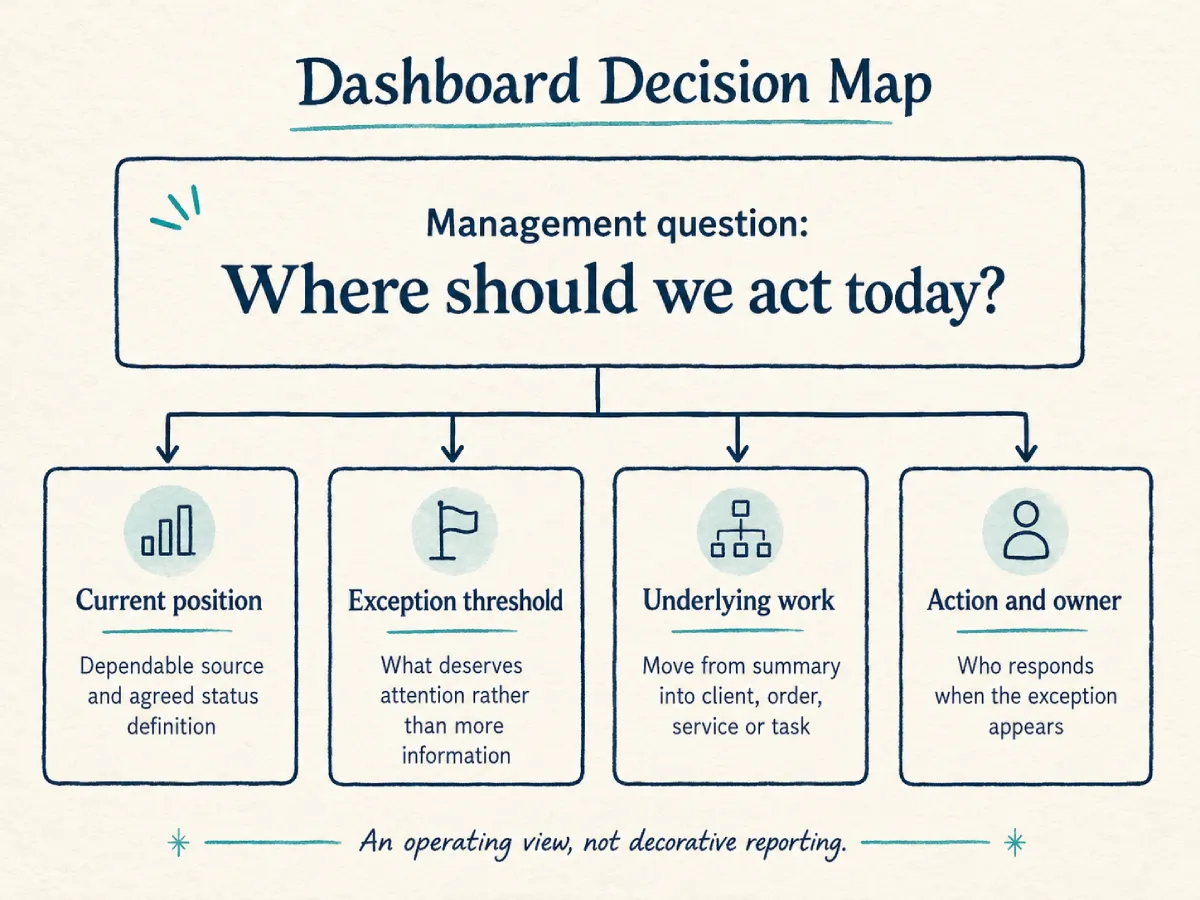
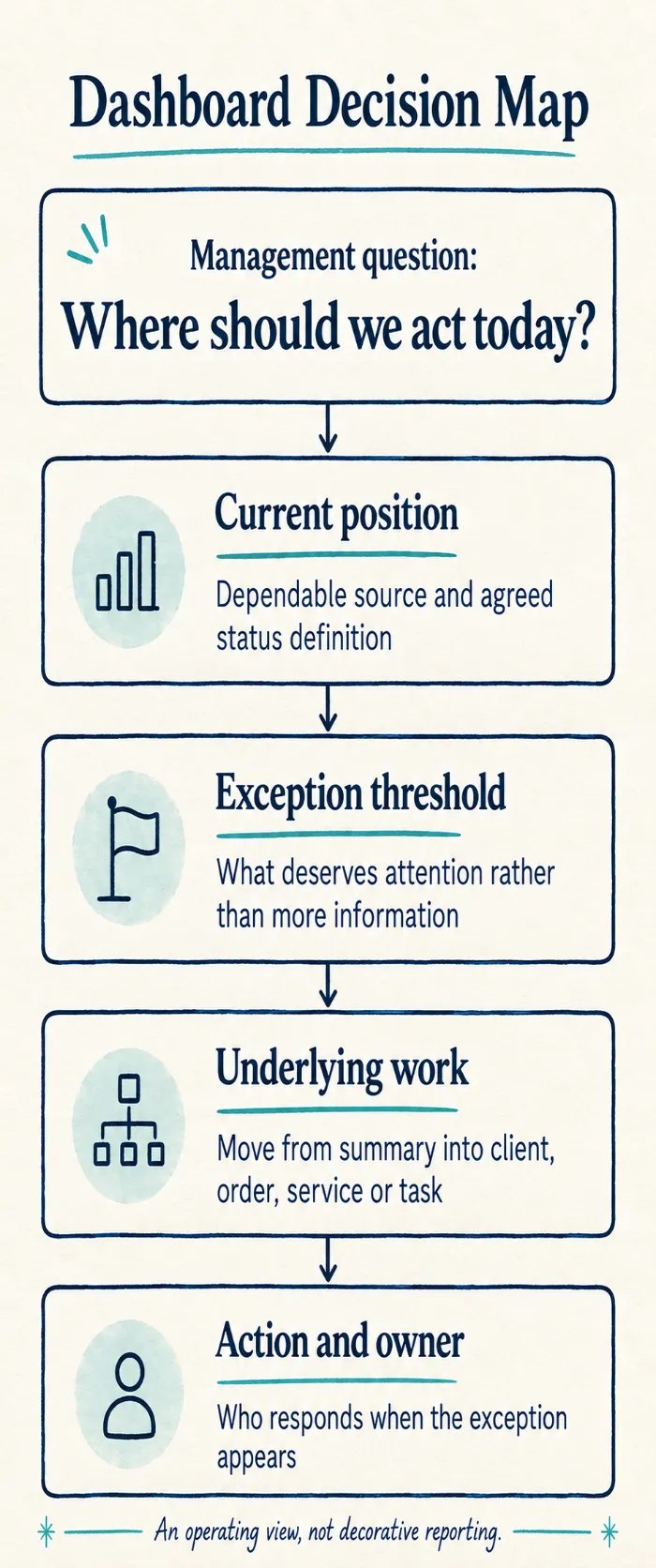
Dashboard Decision Map
We connect every dashboard section to a management question, dependable source, agreed definition, threshold and action.