What we build

We build around how the business works. Not around another piece of software.

Many businesses already have capable applications. The friction is often in the work between them: repeated entry, scattered information, manual follow-ups, unclear ownership and reporting that arrives too late.

We simplify the workflow, organise the information and connect the right parts so the operation becomes easier to run.

Keep what works. Simplify the process. Connect only what matters.
Build only where a real gap remains.
We start with the outcome

The technology category is not the starting point.

We first identify the part of the operation creating the most effort, delay or uncertainty. The technology decision comes later.

Explore the outcomes below to move directly to the relevant Build area.

More than one may apply. The workflow determines which capabilities need to work together.

Build area 01–02
Everyday work

We reduce the effort required to move work forward.

Day-to-day responsibilities become clearer, easier to coordinate and less dependent on repeated administration.

01
Productivity & work simplification

Make Everyday Work More Productive

A busy team is not always a productive team.

People may be copying information, rebuilding updates, maintaining personal trackers or completing unnecessary steps simply because the working process has never been simplified.

We reduce the effort required to complete routine work so skilled people can spend more time on work that needs their judgement.

Examples & outcomes
This may include
Simplified workflows Recurring work Shared work queues Role-based workspaces Reduced duplicate entry
Common outcomes
Less administration Clearer priorities Fewer repeated steps
02
Collaboration & work management

Keep Teams in Sync

Teams often have plenty of communication but still lack a shared view of the work.

Files sit in one place, decisions in another and progress inside individual conversations or trackers.

We bring ownership, work status and relevant context closer together so people can understand what is happening without constant meetings or follow-ups.

Examples & outcomes
This may include
Shared workspaces Project or service boards Visible ownership Review queues Workload views
Common outcomes
Clearer handoffs Fewer status meetings Better continuity
Build area 03–04
Information and flow

We make information reliable—and keep routine work moving.

Documents, records, approvals and recurring actions are brought into clearer structures.

03
Information & knowledge management

Make Information Easier to Find and Trust

Storing information is not the same as organising it.

A business may have shared folders, cloud storage and email archives while still depending on one experienced person to find the correct file, latest decision or process detail.

We create reliable structures for documents, records and operating knowledge so people can find, understand and trust the information they need.

Examples & outcomes
This may include
Document structures Client or project workspaces Version control Knowledge libraries Access and retention rules
Common outcomes
Faster retrieval Fewer version problems Less memory dependency
04
Process & workflow automation

Reduce Manual Chasing

Many processes continue moving only because responsible people keep checking, reminding and following up.

The process appears to work, but it depends on human memory and constant coordination.

We clarify the workflow first, then automate the repetitive parts that can safely move without manual effort.

Examples & outcomes
This may include
Approval flows Automated reminders Recurring work Escalations Request tracking Status notifications
Common outcomes
Fewer follow-ups Reliable handoffs Less work waiting unnoticed
Build area 05–06
Connected operations and visibility

We connect information flow and make the operation easier to see.

Relevant systems are connected so decision-ready information can come into one clearer view.

05
Systems integration & connected operations

Connect Systems and Data

Applications may each perform their own role well while remaining disconnected from the wider operation.

People then become the link between them—copying records, re-entering orders, reconciling figures and checking whether one system reflects what happened in another.

We connect the relevant handoffs so information moves where it is needed without replacing systems that already work.

Examples & outcomes
This may include
Client and CRM connections Order and inventory flows Project and finance links Field-to-office data Record synchronisation
Common outcomes
Less duplicate entry Fewer conflicting records Faster information flow
06
Business intelligence & data analytics

See What Is Really Happening

Businesses often have plenty of data but limited visibility.

Leadership receives the complete picture only after somebody exports, cleans and combines information from several places.

We turn the operational data that already exists into clear views of progress, workload, delay, performance and risk.

Examples & outcomes
This may include
Management dashboards Workload views Delay and exception reporting Client or service reporting Automated reports
Common outcomes
Earlier visibility Faster decisions Less manual reporting
Build area 07–08
Experience and direction

We make external interactions clearer—and help identify the right first move.

Client interactions become clearer while the risk of starting with the wrong intervention is reduced.

07
Client experience & digital engagement

Make Client Interactions Easier

Clients feel the quality of the internal operation.

They notice when they are asked for the same information twice, wait for routine updates or receive different instructions from different people.

We improve the points where clients interact with the business so requests, submissions and updates become clearer for both sides.

Examples & outcomes
This may include
Client intake Secure submission Portals Request tracking Self-service status Routine updates
Common outcomes
Fewer repeated requests Clearer expectations Less internal coordination
08
Business process consulting & modernisation planning

Know Where to Start

A business may know that something needs to improve without knowing whether the answer is a better process, a new connection or a different system.

Starting with the wrong intervention can add more complexity without solving the original problem.

We map how work and information move, identify the real bottleneck and define the smallest practical first step.

Examples & outcomes
This may include
Workflow assessment Systems mapping Bottleneck analysis Modernisation roadmap Implementation priorities Pilot definition
Common outcomes
Clearer priorities Lower implementation risk Better technology decisions
Capabilities work together

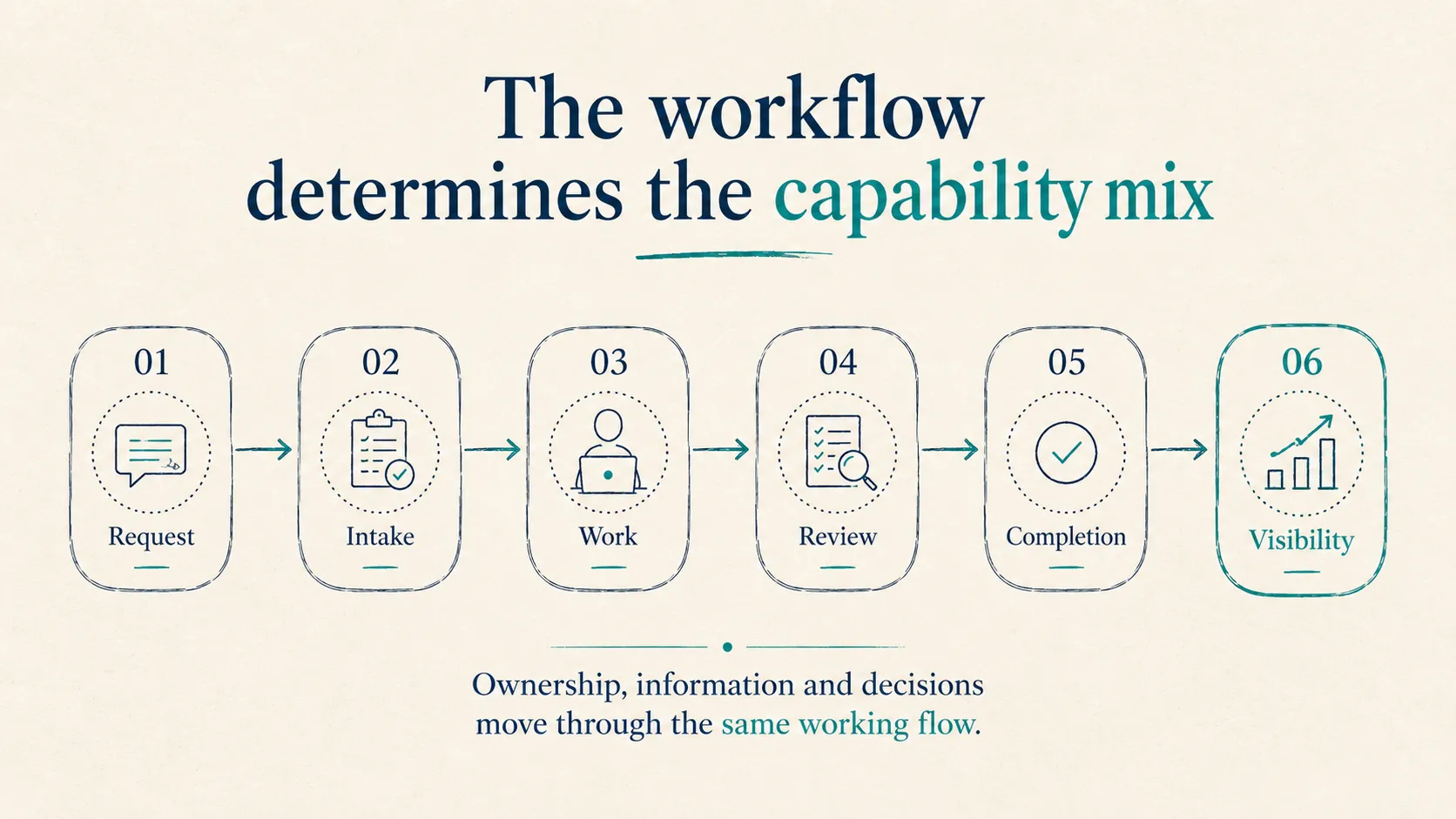
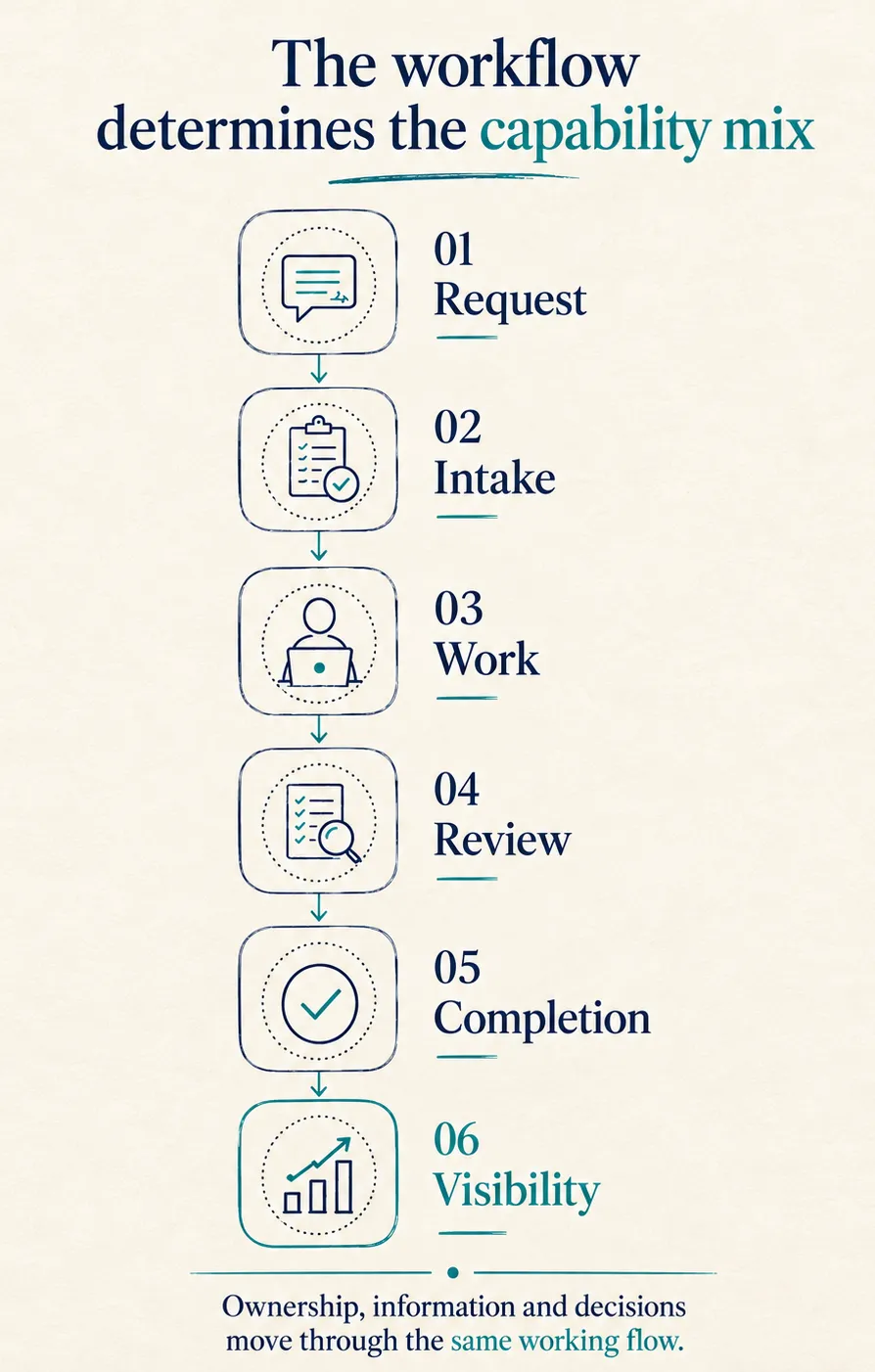
One friction can need several capabilities.

This is common. The Build areas help us name the need; the workflow determines the combination that will make the difference.
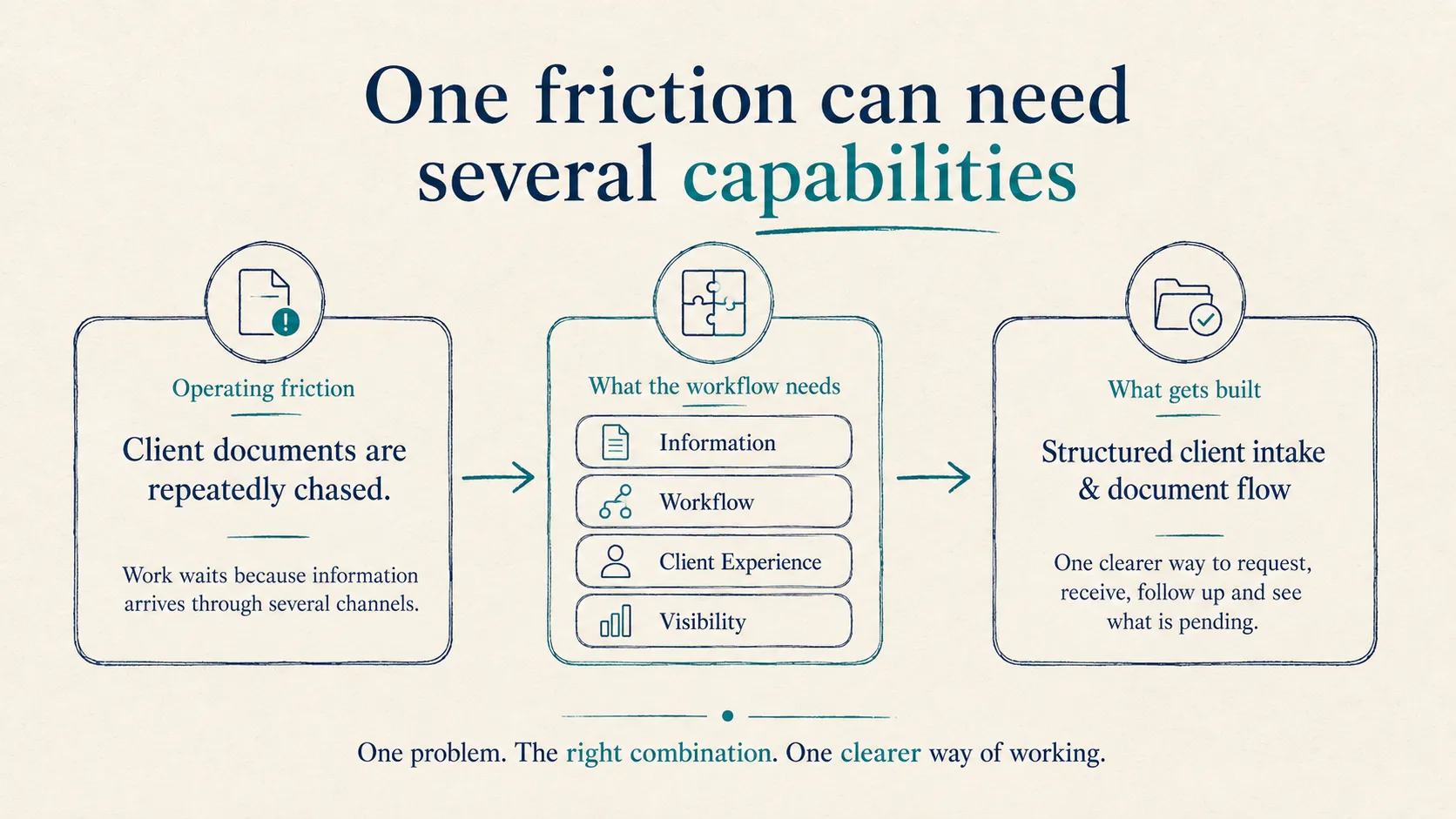
One friction can need several capabilities diagram - Desktop
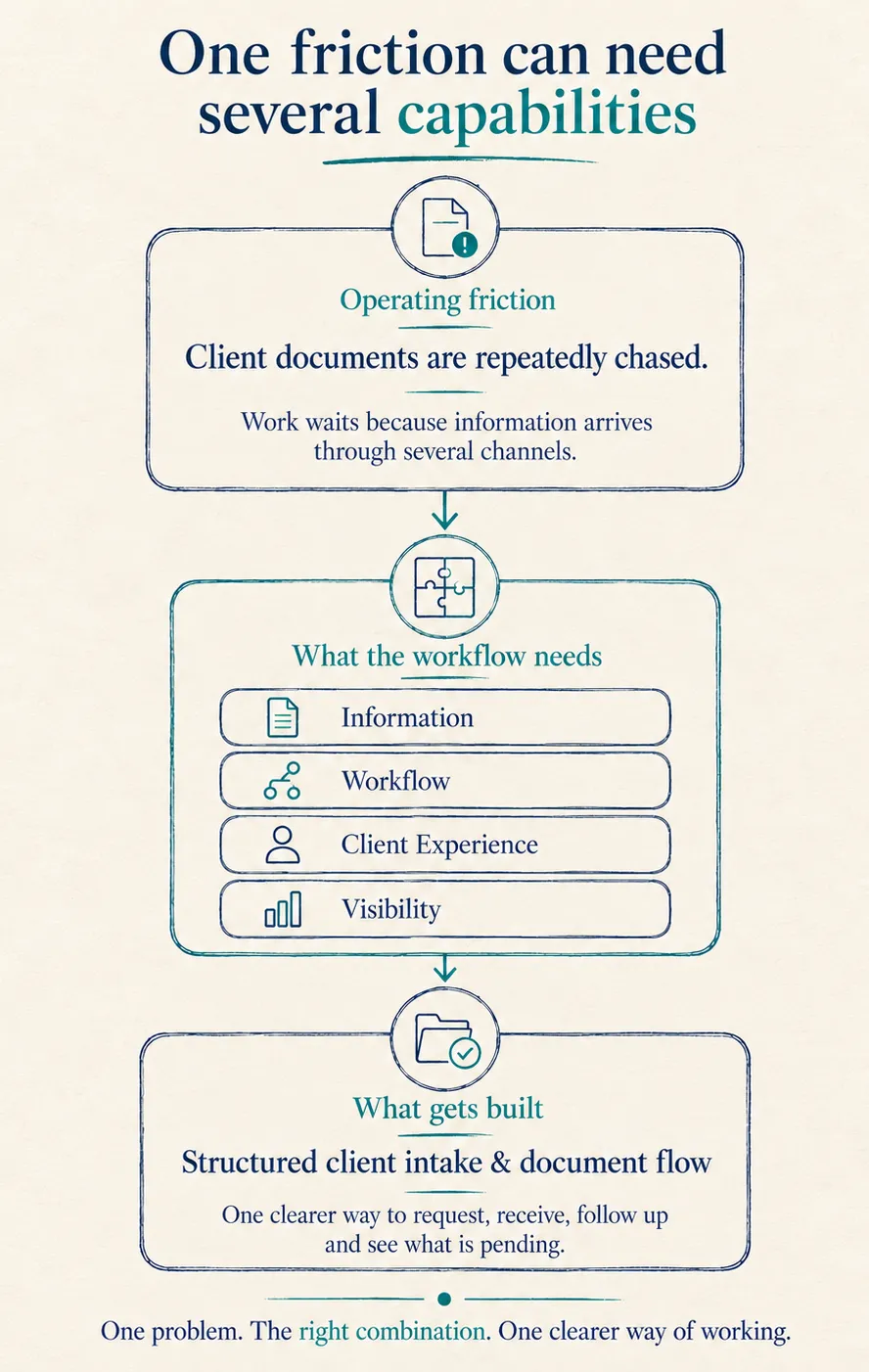
One friction can need several capabilities diagram - Mobile
Connected by design

Most operational problems need more than one capability.

The eight areas are not separate products. They are different ways of understanding what the operation needs.

Combination 01

Client Intake and Service Delivery

A business cannot begin work until clients submit information or documents. Requests are sent manually, items arrive through several channels and nobody sees the full outstanding list.

Information ManagementOrganise requests, documents and records.
Workflow AutomationHandle reminders, missing items and handoffs.
Client ExperienceCreate a clearer submission process.
Operational VisibilityShow what has arrived and what remains pending.
Possible solution form: A structured client intake and document-flow system.
Combination 02

Project and Practice Control

Tasks are tracked in one application, time somewhere else, invoices in the accounting system and capacity in spreadsheets. Leadership relies on status meetings to reconstruct the picture.

Work ManagementCreate clear stages and ownership.
Systems IntegrationConnect delivery, time and financial information.
Business IntelligenceShow workload, progress and risk.
Workflow AutomationManage reviews and overdue work.
Possible solution form: A connected delivery control system or operational control tower.
Combination 03

Connected Commerce or Distribution

Orders, inventory, fulfilment, customer support and accounting operate through different systems. Staff open several tabs, stock is adjusted manually and finance reconciles later.

Systems IntegrationConnect sales, stock, fulfilment and finance.
Workflow AutomationTrigger routine updates and exceptions.
Client ExperienceImprove order communication.
Data AnalyticsProvide one operational view.
Possible solution form: A connected commerce or distribution operations hub.
Combination 04

Operational Modernisation

The business has grown through spreadsheets, shared folders and applications acquired at different times. Leadership knows the current model will not scale but does not know what to replace, connect or reorganise.
Modernisation PlanningMap the operation and define priorities.
Information ManagementEstablish reliable operational records.
Work ManagementCreate ownership and shared structures.
Connected VisibilityReduce manual movement and improve oversight.
Possible solution form: A phased modernisation programme beginning with one priority workflow.
From outcome to working system

We turn operating needs into practical, tangible systems.

A Build engagement may result in one focused improvement or several connected parts working together.

01

Clearer workflows

Defined stages, responsibilities, approvals, handoffs and exceptions.

02

Structured information

Document libraries, client or project records, knowledge bases and reliable information structures.

03

Shared work environments

Team workspaces, project or service boards, workload views and role-based work queues.

04

Routine automation

Reminders, approvals, recurring work, information requests, escalations and status updates.

05

Connected systems

Reliable information movement between CRM, finance, project, operational, ecommerce or other applications.

06

Operational visibility

Dashboards and reporting views showing progress, delays, workload, performance and risk.

07

Client-facing interactions

Forms, intake flows, secure submissions, portals, request tracking and routine updates.

08

Team enablement

Documentation, training, administration guidance and handover structures.

The final scope depends on the workflow, the systems already in place and the people who will own the result.
Practical modernisation

We keep what works, simplify what is messy, connect what should work together, and build only where needed.

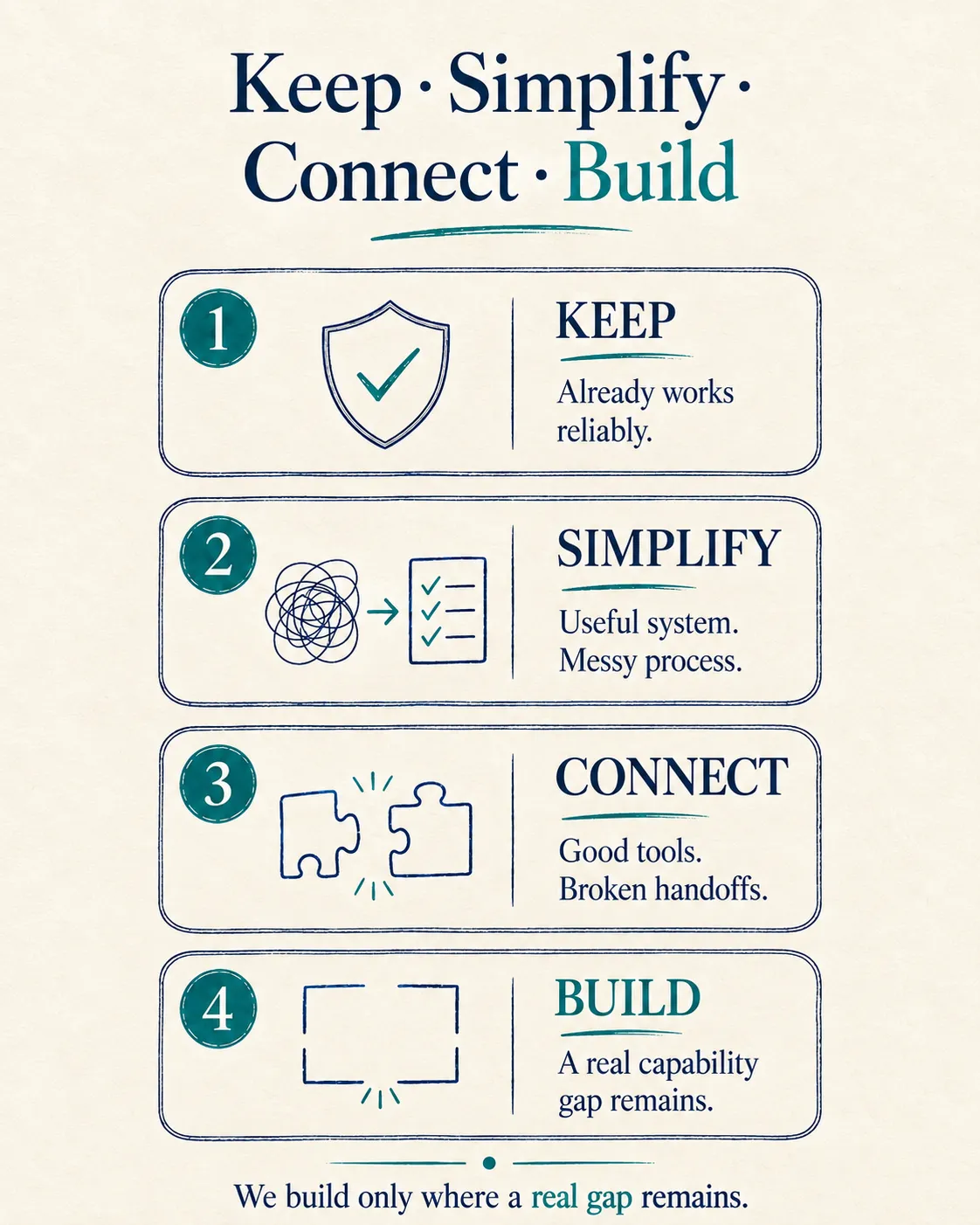
Modernisation does not automatically mean replacing existing systems. We make four practical decisions before recommending change.

Four practical decisions
01

Keep

Retain applications that already perform their role reliably.

02

Simplify

Improve the process and use more of the useful capability already available in existing systems.

03

Connect

Create the missing flow of information between applications that need to work together.

04

Build

Extend or replace only when a real functional gap remains and the business case justifies something new.
Existing technology can remain part of the answer

We work across the systems already present in the operation. Platform names provide context; they do not determine the recommendation.

See examples of systems we can work across

Examples are grouped by operating role rather than by preferred vendor.

Productivity & collaboration
Microsoft 365Google WorkspaceTeamsSharePointOneDrive
CRM & client management
Zoho CRMHubSpotDynamics 365
Finance & operations
QuickBooksXeroTallyZoho BooksERPNext
Project & work management
ClickUpAsanaNotionPlanner
Ecommerce & fulfilment
ShopifyWooCommerceWarehouse & shipping platforms
Automation & reporting
Power AutomateMakeZapiern8nPower BIAPIs
What we expect every build to achieve

A build is complete only when the operation can rely on it.

Going live is only one milestone. The system must remain clear, manageable and useful for the people expected to operate it.

Simple

People can understand the main process without unnecessary fields, screens or technical complexity.

Organised

The workflow, ownership and next step are clear.

Visible

Progress, delays and exceptions can be understood without chasing several people.

Automated where useful

The system handles repetitive coordination while people retain responsibility for decisions and exceptions.

Manageable

The operating team can handle routine administration without depending on a developer for every change.

Extendable

The system can support reasonable growth without rebuilding the entire operating model.

Reliable

Connections and automated flows include validation and failure visibility.

The build is successful when the business can rely on it—
and the team can confidently run it.

Proof in practice

See how the capabilities become working systems.

Case Studies

What changed inside a real operation

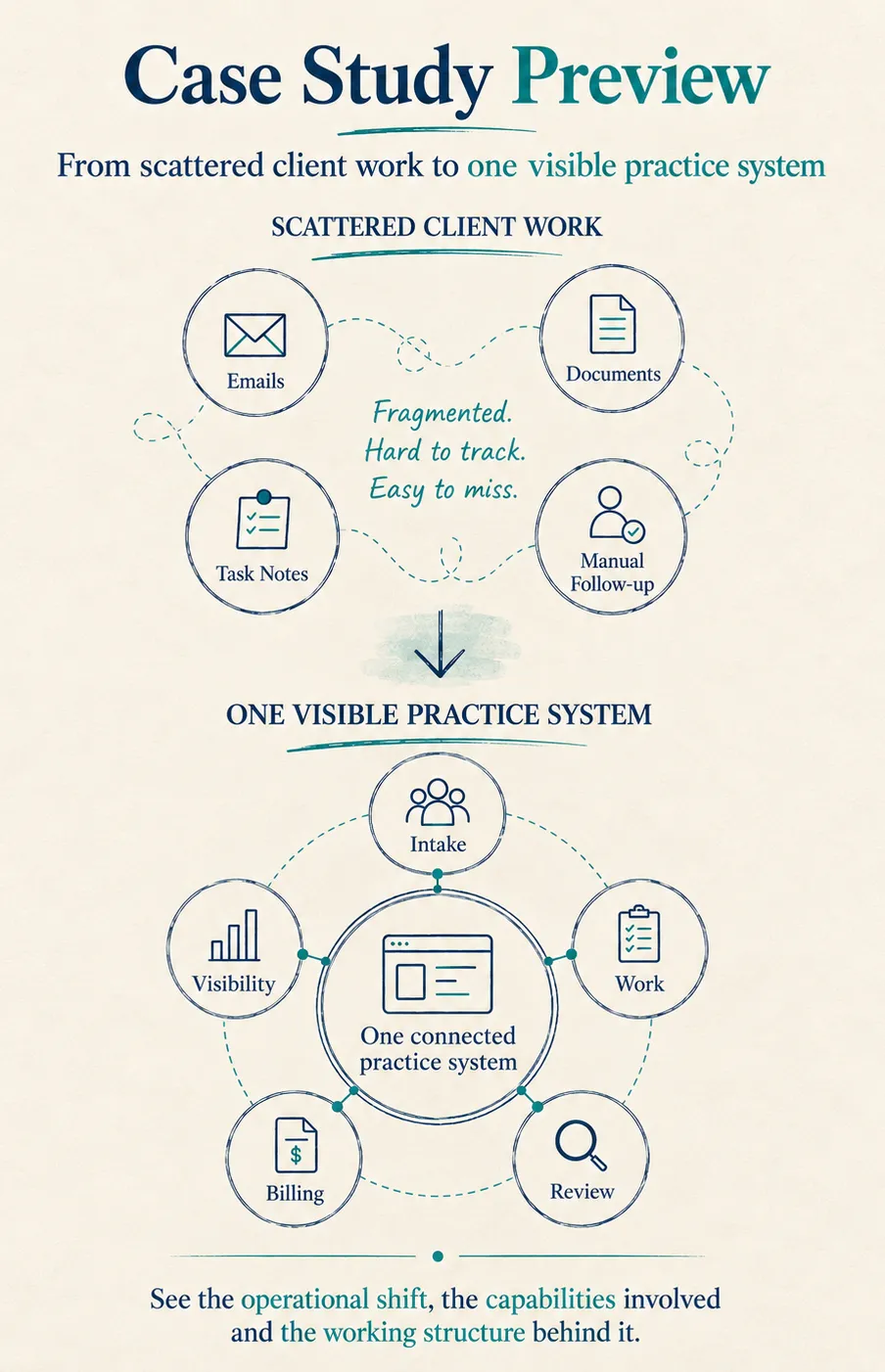
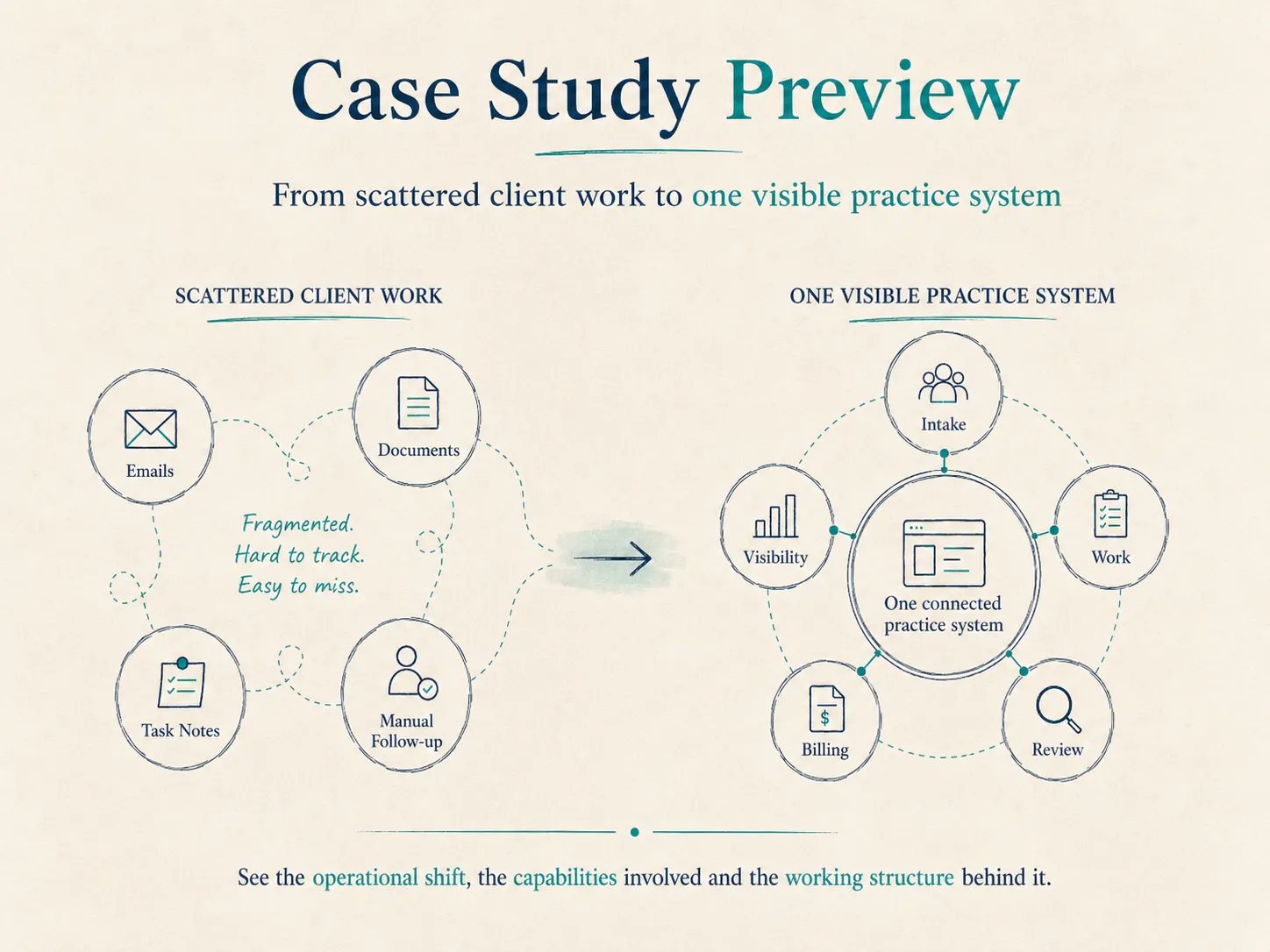
See the operational shift, the capabilities involved and the working structure behind it.
Case Study Preview
Case Study Preview - Mobile

Accounting Practice Operating System

From scattered client work to clearer practice-wide visibility

Client documents, recurring work and status were brought into a more structured operating model.

Information Management Workflow Automation Work Management Operational Visibility
View the Case Study →

Professional Services Delivery System

From disconnected delivery and finance to clearer control

Project, workload and management information were connected into a more reliable delivery view.

Work Management Connected Systems Business Intelligence Workflow Automation
View the Case Study →
Solution Tours

Explore how a connected system can behave

Walk through practical, unbranded demonstrations built around common operating problems.
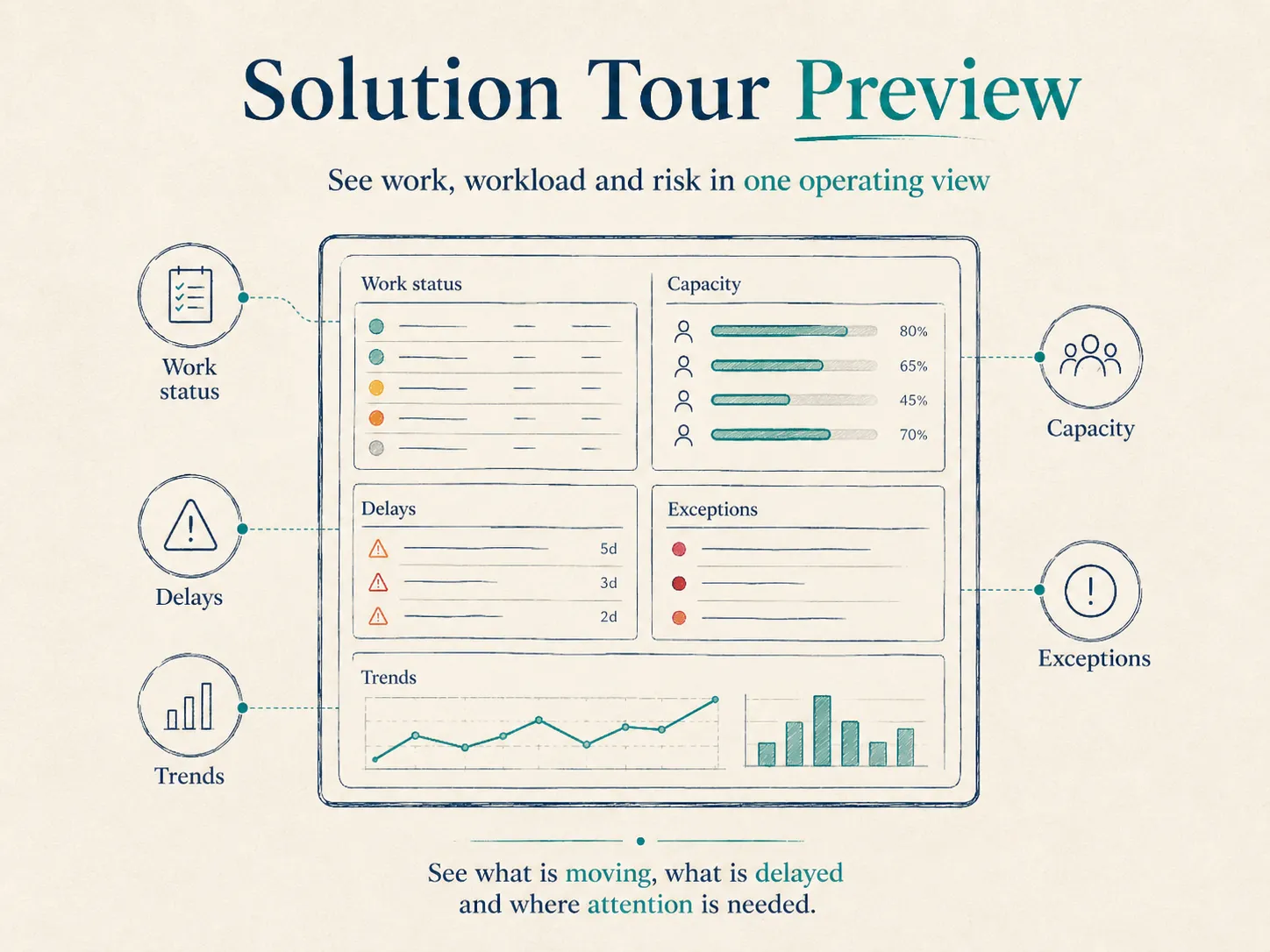
Solution Tour Preview
Solution Tour Preview - Mobile

Client Intake and Document Flow Tour

Requests, documents and reminders in one visible flow

Client Experience Information Management Workflow Automation
Explore the Tour →

Operations Dashboard Tour

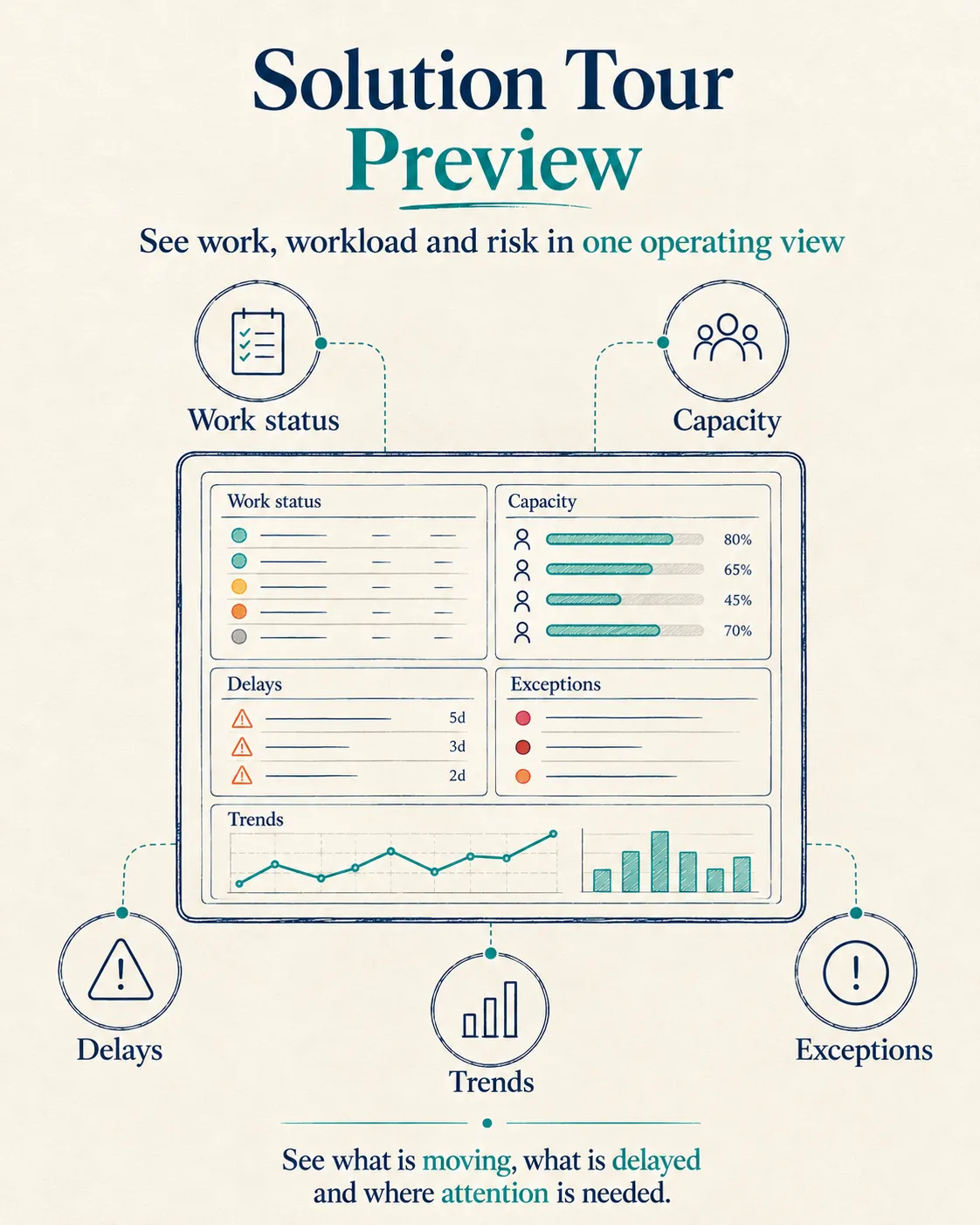
Work, workload and risk in one operating view

Business Intelligence Connected Systems Work Management
Explore the Tour →

Connected Systems Tour

See information move between the right applications

Systems Integration Workflow Automation Data Analytics
Explore the Tour →
We start with the operating need

The conversation does not need to begin with technology.

A useful starting point is the part of the operation that should become easier, clearer or less dependent on manual effort.

Sometimes the right first step is to improve the process and build later.

One operational problem is enough to begin.

A simpler workflow
Better use of an existing system
One missing connection
A reliable information structure
Clearer operational visibility
A focused new build
Scroll to Top