Work in practice

See what changed.
Then see how it works.

We use two forms of proof. Case Studies show what changed inside real client operations. Solution Tours let visitors inspect how a relevant workflow or connected system can behave without entering a confidential client environment.
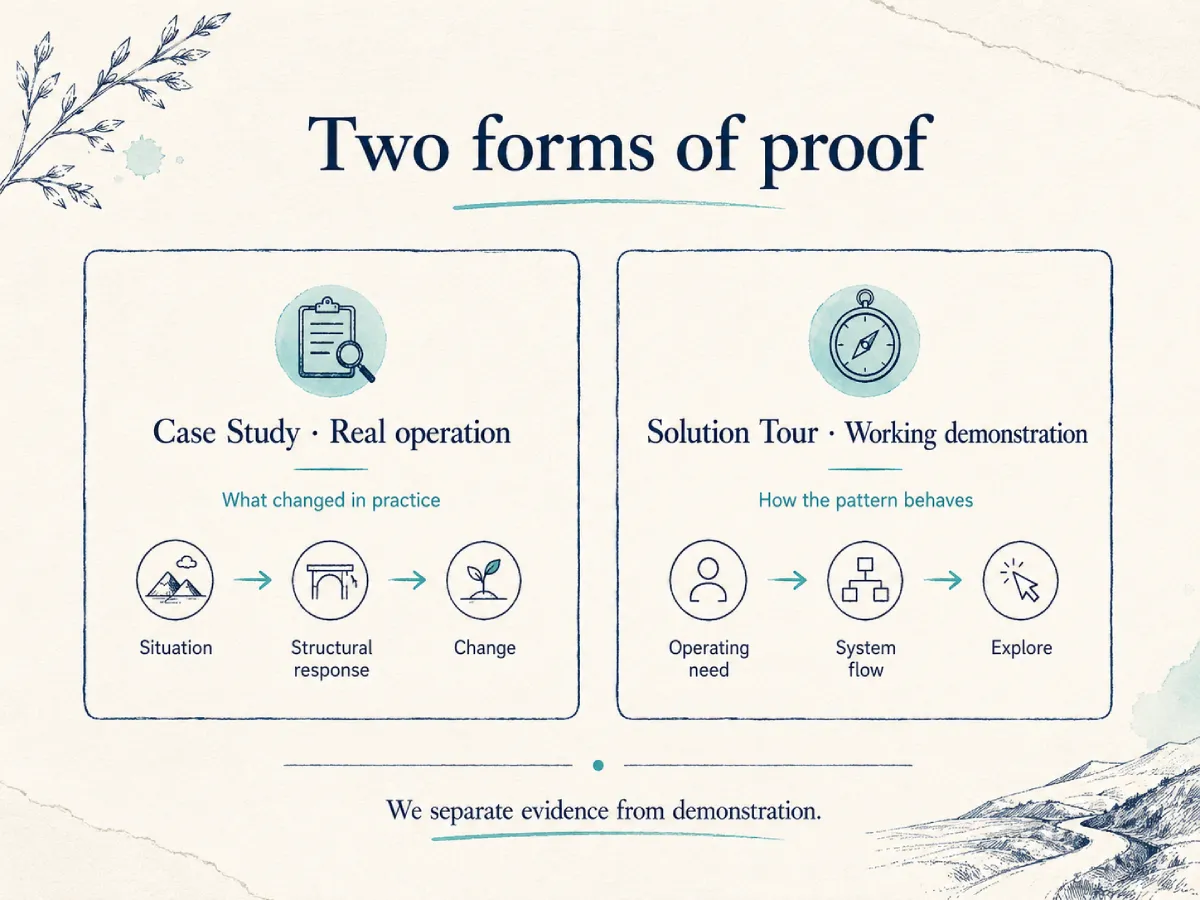
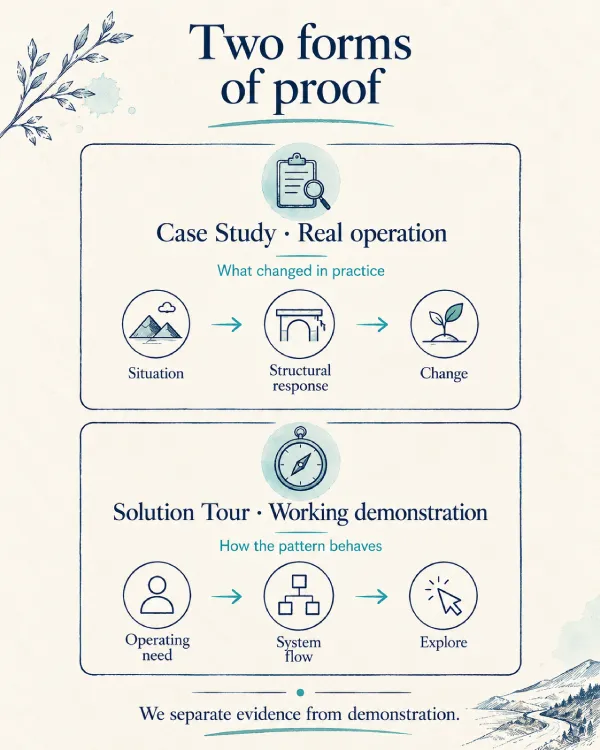
Real operating situations · Clear structural changes · Working demonstrations
Two ways to explore the work

We show the evidence in the form that best answers the question.

Use a Case Study when the question is “What changed in a real operation?” Use a Solution Tour when the question is “How could this working pattern behave?”

Real client work

We show what changed inside a real operation.

A Case Study begins with the way the business was actually working—not with the software used.
Accounting Case Study Accounting Case Study Mobile
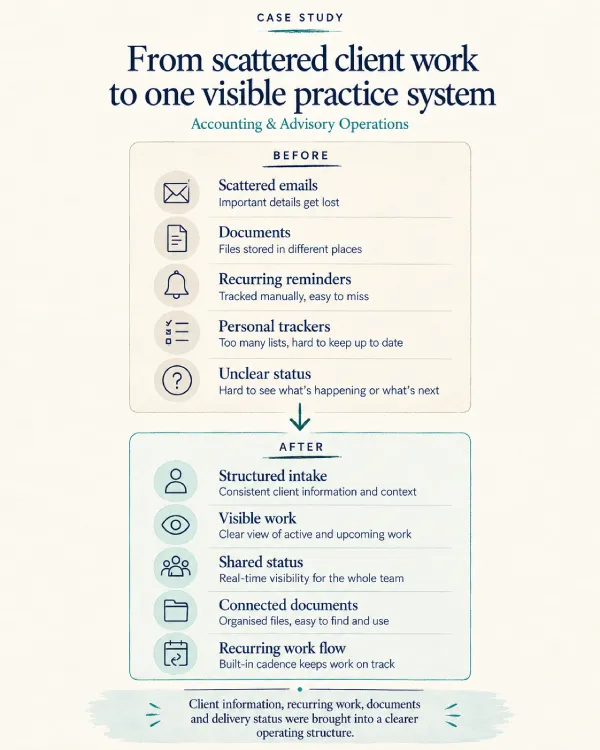
Accounting & Advisory Operations

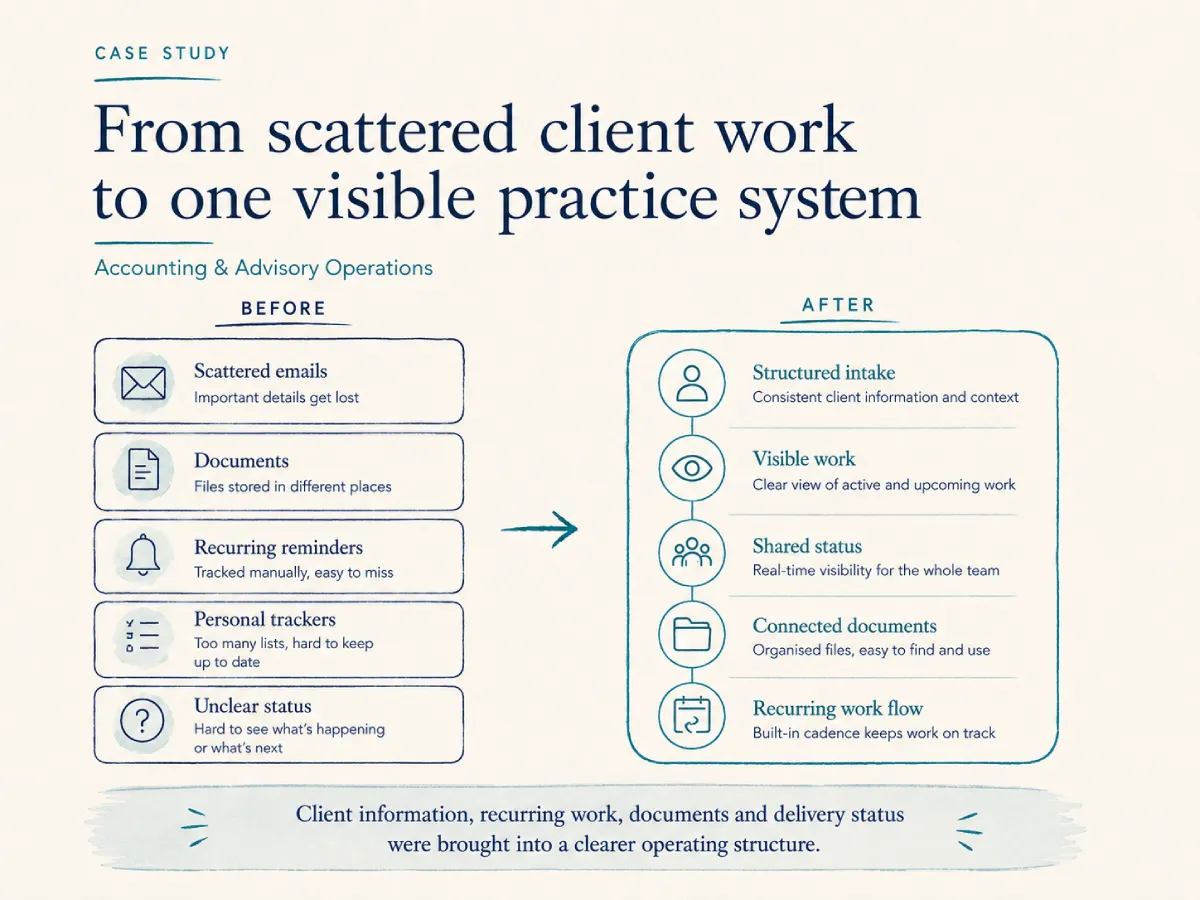
From scattered client work to one visible practice system

Client documents, recurring service work and delivery status were spread across folders, inboxes and individual trackers. Understanding the complete position of a client still required manual checking and follow-up.

We introduced clearer structure around the client, the work and the information supporting it. The aim was not another isolated tool; it was a more dependable operating view.

  • Client and service information brought into a clearer structure
  • Documents organised around the client and work context
  • Recurring work and delivery status made easier to see
  • Reporting connected more closely to live work
Clearer ownership · Faster status understanding · Less manual coordination
Information Management Workflow Automation Work Management Operational Visibility
View the Case Study
Professional Services Case Study Professional Services Case Study Mobile
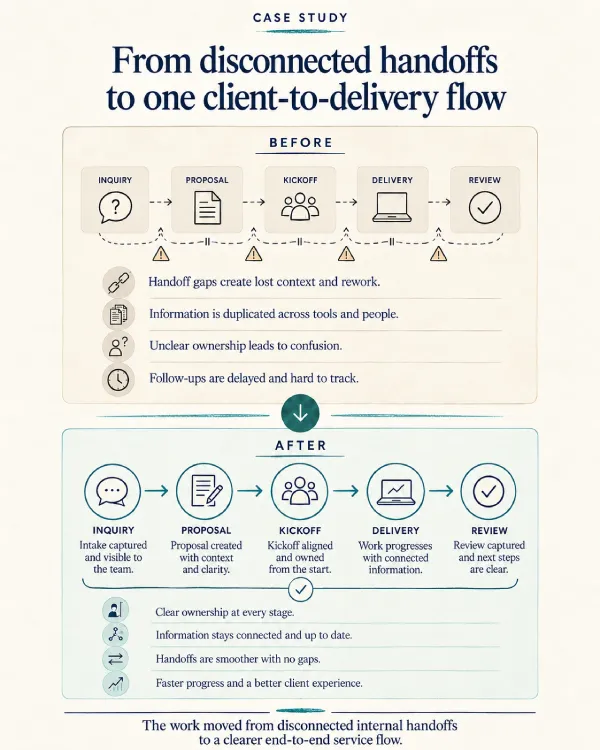
Professional Services Operations

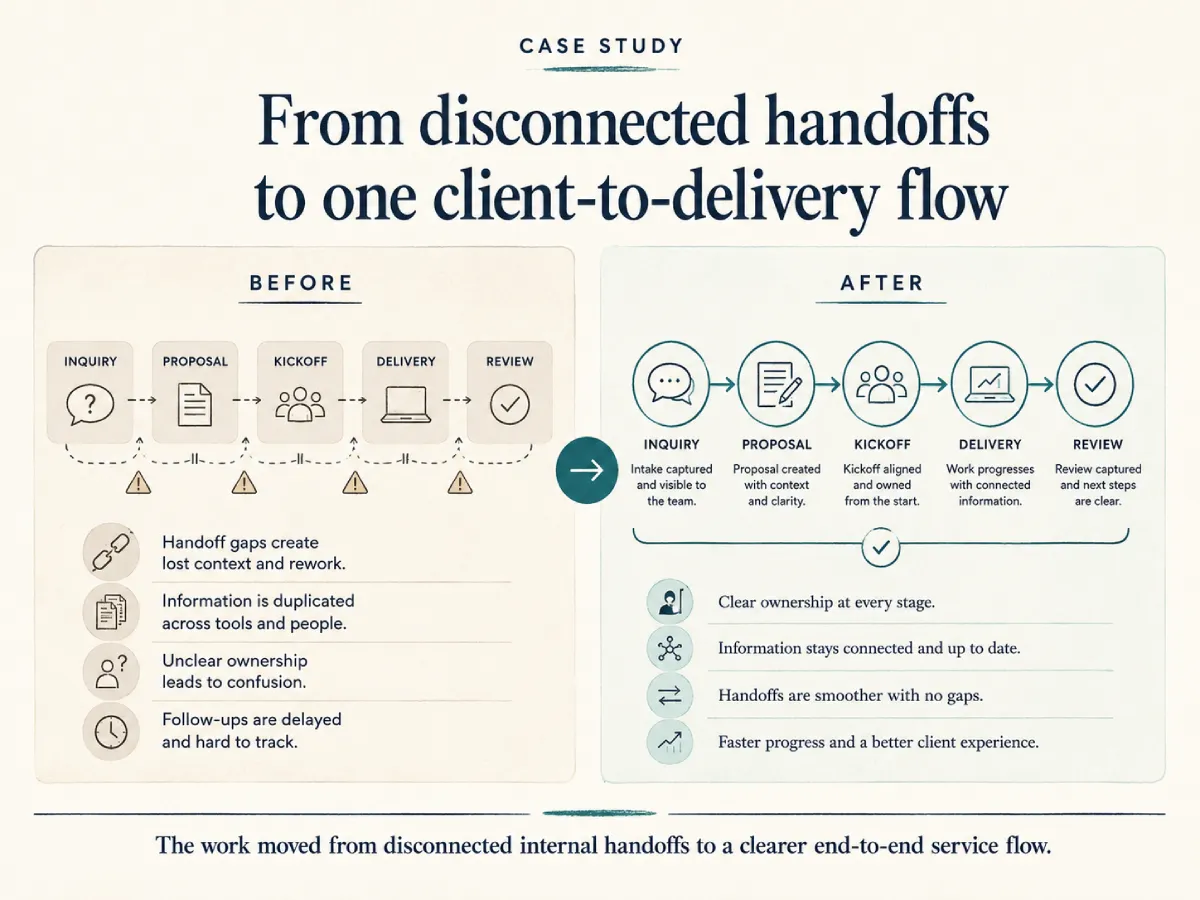
From disconnected handoffs to one client-to-delivery flow

Client information moved through separate systems for enquiries, proposals, documents, delivery and finance. People still had to carry information between them and confirm whether the next step had happened.

We focused on the handoffs rather than replacing every application. The working model made responsibility and progress clearer across the client journey.

  • Important client-journey handoffs connected
  • Repeated information entry reduced
  • Responsibility clarified at each stage
  • Progress made easier to understand without rebuilding status
Fewer repeated steps · Clearer handoffs · Better operational continuity
Connected Systems Workflow Automation Client Experience Operational Visibility
View the Case Study
No case studies found for this category.
Working demonstrations

We let visitors inspect how a connected system can behave.

Each Tour is built around one operating need. It shows the flow without pretending to be an exact copy of a client environment.
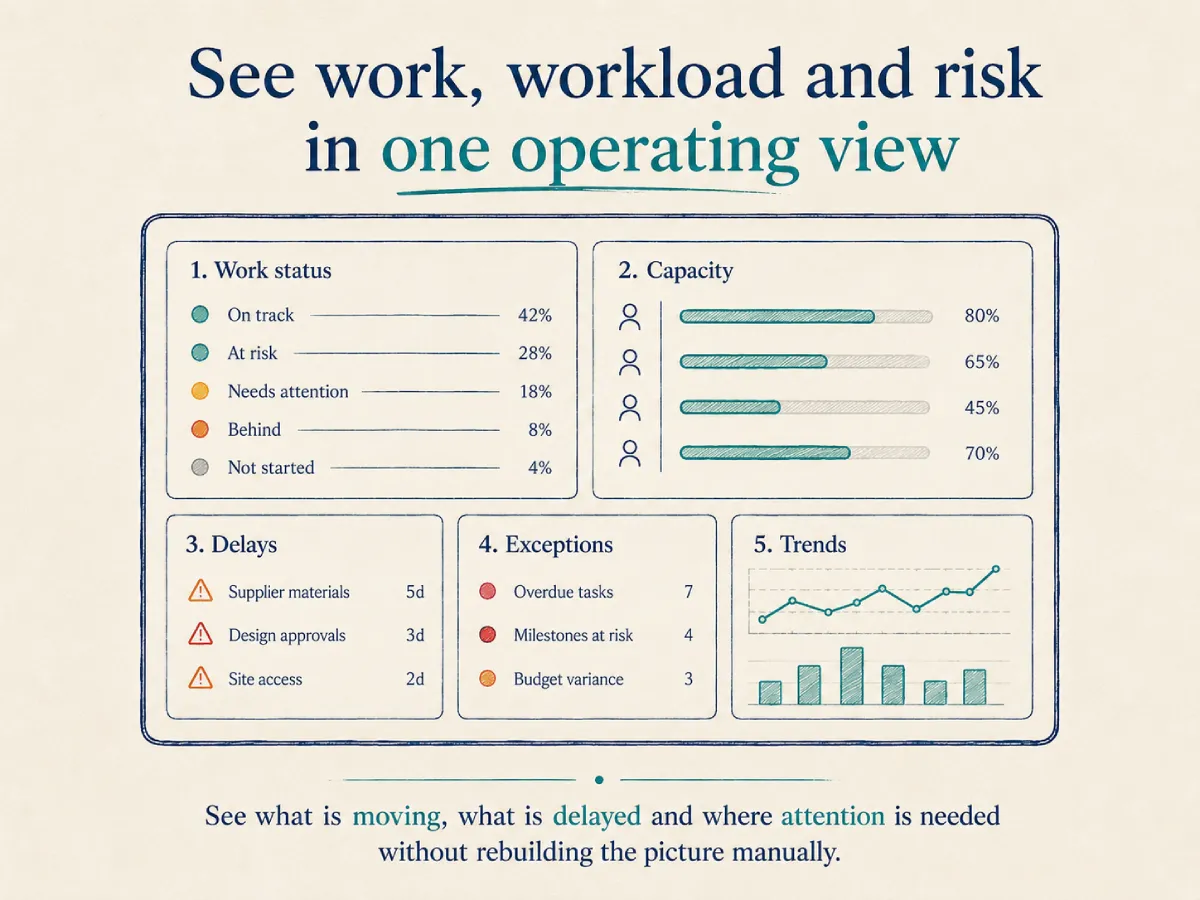
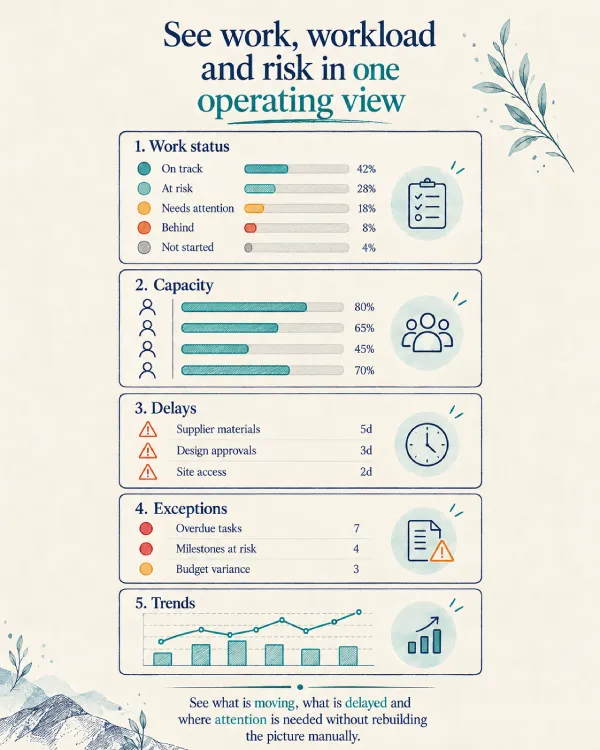
Operations Dashboard Tour Operations Dashboard Tour - Mobile
Solution Tour

Operations Dashboard Tour

See work, workload and risk in one operating view.

  • Current work status
  • Due and overdue activity
  • Team workload
  • Client and service views
  • Management exceptions
  • Operating trends
Useful when: reports arrive late, progress depends on meetings or leadership lacks one dependable operating view.
Accounting Consulting Agencies Real Estate Manufacturing
Explore the Operations Dashboard Tour
Client Intake & Document Flow Tour Client Intake & Document Flow Tour - Mobile
Solution Tour

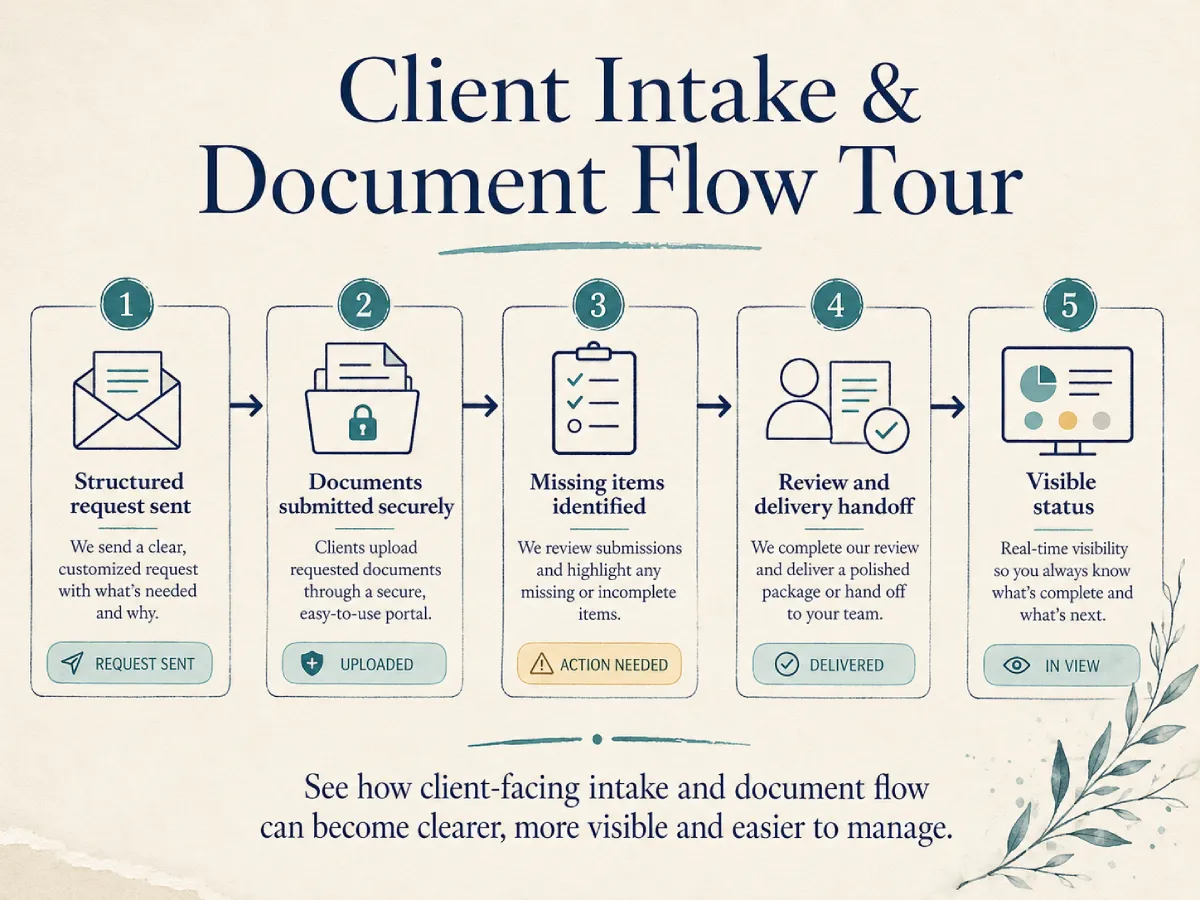
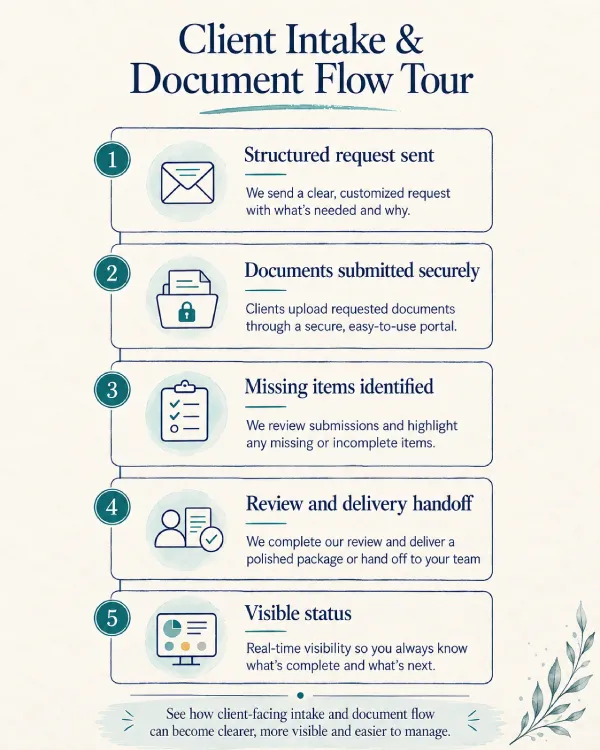
Client Intake & Document Flow Tour

See requests, documents and follow-ups move through one clear process.

01 Open

Structured request sent

02 Received

Documents submitted securely

03 2 Pending

Missing items identified

04 Ready

Review and delivery handoff

  • Structured requests
  • Secure submission
  • Received & missing status
  • Reminder flow
  • Internal review
  • Request history
Useful when: work cannot begin until information arrives, but nobody has one reliable view of what is requested, received or still outstanding.
Accounting Legal Insurance Financial Advisory Consulting
Explore the Client Intake Tour
Inside the work

We show the structure behind the interface.

The strongest proof is often an artefact that explains what was difficult, what structure was introduced and why the decision matters.

Before-and-after workflow

We show where work depended on messages, personal trackers or disconnected handoffs—and how the clearer flow works.

What was difficult

Updates moved through separate places and needed manual checking.

Structure introduced

One visible sequence with ownership and next steps.

Why it matters

Less coordination and fewer actions waiting unnoticed.

Before
Email request
Personal checklist
Manual follow-up
Status meeting
→
After
Structured request
Visible ownership
Automatic reminder
Shared status

Operational view

We show a focused management view designed to answer practical questions rather than display every available chart.

What was difficult

Managers rebuilt status from meetings and separate trackers.

Structure introduced

Current work, delay, workload and exceptions in one view.

Why it matters

Attention can move to the right place earlier.

42Active work
7At risk
5Due this week
3Blocked
Review queue growing
Client documents pending
Capacity pressure next week
Two overdue approvals

Information structure

We show how documents and records can be organised around the business context in which they are used.

What was difficult

Files existed, but the correct context and version were difficult to confirm.

Structure introduced

Information connected to the client, service and work.

Why it matters

People can find and trust the record without depending on memory.

Client
Services
Scope Frequency Owner
Work
Status Due date Review
Information
Documents Decisions History

System handoff map

We show where one application passes information to another, what validates the handoff and how exceptions become visible.

What was difficult

People copied records between systems and checked whether updates matched.

Structure introduced

Defined source, validation and connected update.

Why it matters

Less repeated entry and clearer failure visibility.

CRM
→
Approved client
Validation
Required fields
→
Delivery Client workspace
Finance Billing record

Recurring work flow

We show how scheduled work, ownership, review, reminders and completion can be managed through one structured process.

What was difficult

Repeated obligations were recreated and checked manually.

Structure introduced

Scheduled creation, ownership, review and escalation.

Why it matters

Less dependency on memory and more reliable recurring delivery.

Schedule
Work created
Owner assigned
Review & complete

Practical decision note

We show the judgement behind the system—not only the final interface.

What was difficult

A system replacement was being considered for a problem outside its core role.

Structure introduced

A narrower connection around the approved business event.

Why it matters

Lower change risk and better use of a system that already works.

Implementation decision
Decision

Keep the existing accounting system.

Reason

It performs its core role reliably and the team already understands it.

Improvement

Connect approved service and billing events instead of replacing the platform.

Seen something familiar?

We begin with the situation

The exact system shown in a Case Study or Tour may not be the right answer for another business. We begin with the part of the operation that feels similar, then determine what a practical first improvement should be.

Scattered information Manual follow-up Disconnected systems Unclear workload or status Late reporting
Scroll to Top